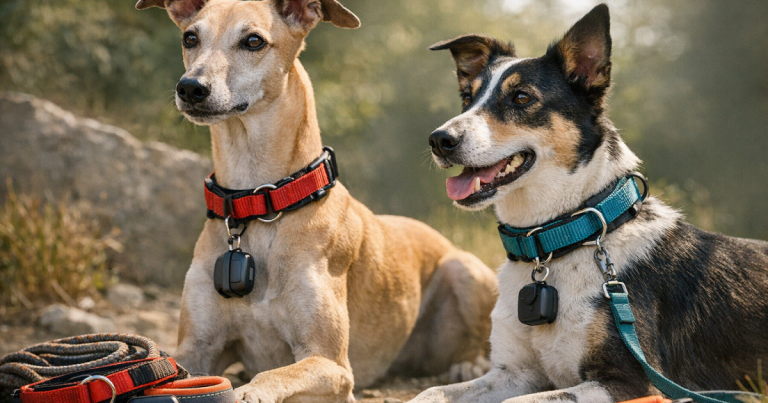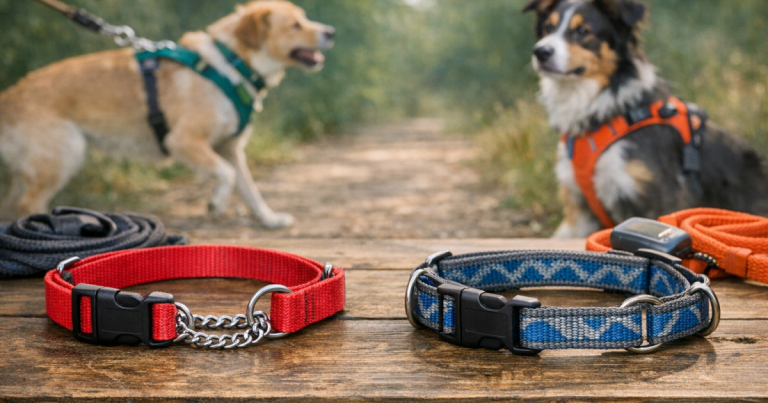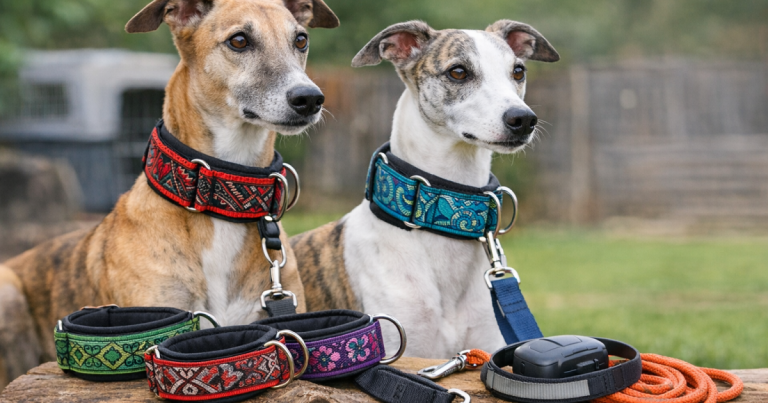
Two collars can be safer than one when each has a clear job. A backup ID collar gives a finder your phone number if the GPS tracker is dead, out of coverage, removed, or sitting at home on the charger. The trick is fitting the second collar so it adds identification without adding bulk, rubbing, tag tangles, or another weak point on the leash.
Think of the GPS device as your search tool and the ID collar as your low-tech handoff tool. One helps you look. The other helps a neighbor, hiker, campground host, or shelter worker contact you quickly.
Main points
- Use separate jobs: the GPS collar carries the tracker; the ID-only collar carries visible contact information.
- Do not use the secondary ID collar as the main leash attachment unless it is specifically fitted and designed for that job.
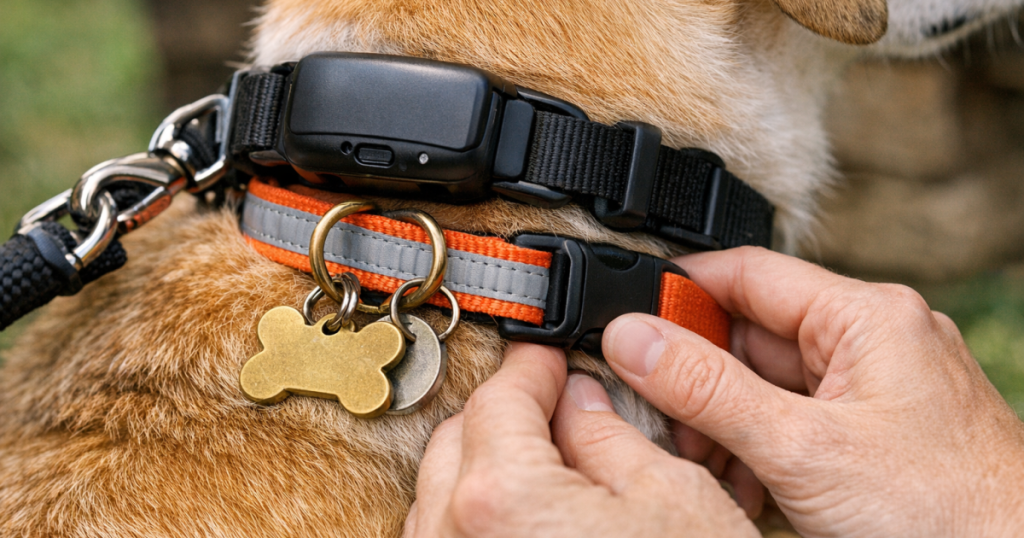
- Stagger buckles, D-rings, tags, and tracker hardware so nothing stacks in one heavy lump under the throat.
- Check fit with your dog standing, sniffing, lying down, drinking water, and turning their head.
- Keep the ID readable without requiring an app, battery, cellular signal, or scanner.
Step 1: Decide which collar does which job
Start before you put anything on the dog. Assign one collar to tracking and one to identification. Mixing the jobs is where many setups get messy: a tracker gets buried under tags, the ID tag bangs against the device, or the leash ends up clipped to whichever ring is easiest to grab on the way out the door.
The tracking collar should hold the GPS device in the position recommended for that device and remain comfortable during normal movement. The ID collar should be lighter, simpler, and easy for a person to read if your dog is found. A flat collar with an engraved tag, slide-on tag, or embroidered contact information can all work, as long as the fit is appropriate for your dog.
A microchip still matters, but it is not a replacement for visible ID. A chip usually requires a scanner and a trip to a vet clinic, shelter, or animal control office. A visible phone number can shorten the loop when your dog is found two blocks away, at a trailhead, or in the next campsite over.
Step 2: Fit the GPS collar first
Put the GPS collar on first because it is usually the bulkier part of the setup. Fasten it where the tracker sits securely without rotating freely around the neck. You want the collar snug enough that the device is not sliding under the chin every few minutes, but not so tight that it presses into the skin when your dog lowers their head to sniff.
Use the familiar two-finger check as a starting point: you should be able to slide two fingers between the collar and your dog’s neck without forcing them. Then test the real positions your dog actually uses. Have them lower their head, turn left and right, sit, lie down, and take a few steps. A collar that seems fine while the dog stands still can feel very different once the neck bends.
For small dogs, hardware weight matters more than people expect. For thick-coated dogs, fur can hide pressure points until the skin is irritated. For broad-necked breeds or dogs with narrow heads, fit also has to account for escape risk, not just comfort.
Step 3: Add the backup ID collar without stacking hardware
Once the tracker collar is settled, place the backup ID collar either slightly above or slightly below it, depending on your dog’s neck shape and coat. The goal is not to create a tight double band. The goal is to let both collars lie flat without pinching, sawing, or trapping fur between them.
Stagger the hardware. If the GPS collar buckle sits on the left side, place the ID collar buckle a little to the right. If the tracker sits at the front or side, keep the ID tag away from that same spot. Two buckles, two D-rings, a metal tag, and a tracker all piled under the throat is the collar version of a junk drawer. It works until it very much does not.
If you use a hanging tag, make sure it does not strike the tracker constantly or hang low enough to catch on crate bars, brush, deck gaps, or other dogs’ collars during play. A slide-on tag or flat tag can reduce noise and snagging, but the key requirement is still simple: the contact information must be easy to see and read.
Step 4: Keep the leash attachment separate and deliberate
A second collar should not create confusion about where the leash clips. For most dogs, clip the leash to the normal walking collar or, better for many escape-prone dogs, to a well-fitted harness. Treat the ID collar as identification unless you have deliberately chosen it as part of a supervised walking setup.
If your dog backs out of collars, slips leads, or panics at thresholds, a second point of connection can be more important than another tag. The walkthrough on backup leash attachments for dogs that back out of collars explains how to create redundancy without relying on one piece of neck hardware to do every job.
For skittish dogs, a GPS tracker and visible ID are only part of the plan. A collar can identify a dog after they get loose; it does not stop the escape by itself. Fit, leash handling, door routines, and harness choice all matter.
Step 5: Run a five-minute movement check
Before you trust the setup on a walk, do a short home check. This is not fussy. It is the fastest way to catch the little problems that become big problems halfway around the block.
- Sniff test: Let your dog lower their head to the floor. Check whether either collar tightens sharply behind the ears or rides into the jaw.
- Water bowl test: Watch your dog drink. Tags should not fall into the bowl, catch on the rim, or push the tracker out of place.
- Rest test: Have your dog lie down on both sides if possible. Look for buckles pressing into the throat or tracker hardware digging into the shoulder area.
- Turn test: Call your dog from either side. Both collars should move with the neck without twisting into a rope.
- Hand check: Slide your fingers around the full circumference of both collars. Feel for pinched fur, stacked rings, hard edges, or tight spots.
After the first real walk, check again. Movement, coat compression, humidity, and excitement can all change how the collars sit. If your dog scratches at the setup, hesitates to lower their head, or shakes repeatedly, do not dismiss it as drama. Dogs can be theatrical, but hardware discomfort is a fair complaint.
Step 6: Make the ID useful to a stranger
The best ID setup is boring in the right way: readable, current, and obvious. Put at least one reachable phone number on the collar. If you have space, add a second number or short message such as “Call Owner.” Avoid relying only on QR codes, apps, or smart tags; they can be useful, but a tired driver or neighbor should not need a perfect signal and spare time to help.
Bluetooth tags and smart ID products can be helpful as close-range backups, but they are not the same as GPS tracking. They generally depend on nearby phones, short-range detection, or community networks rather than giving you an independent live search tool. If you are weighing that kind of backup, the Pawscout Smart Pet Tag review is a useful example of where a Bluetooth ID tag fits and where its limits begin.
For dogs that travel, camp, hike, or visit sitters, update the ID routine before the trip. A tag with an old landline, a disconnected number, or only a home address is less useful when your dog slips out at a rest stop three states away.
Step 7: Match the setup to your dog’s escape pattern
A calm senior dog who wanders out through an open garage needs a different setup than a young door dasher or a nervous rescue who reverses out of gear when startled. The backup ID collar should be fitted around the real scenario, not an imaginary perfect walk.
For door dashers
Keep visible ID on during normal at-home hours when safe for your dog’s environment. Many escapes happen during ordinary moments: groceries coming in, kids leaving for school, a contractor at the door. The GPS tracker is only useful if it is charged and on the dog; the ID collar helps even when a neighbor finds your dog before you open the tracking app.
For hiking and rural use
Prioritize secure fit and readable identification. Cellular GPS trackers can be limited by network coverage, while some field tracking systems work differently and may be better suited to remote areas. No collar setup removes the need for recall practice, leash judgment, and a plan for poor coverage.
For skittish or newly adopted dogs
Do not rely on neck gear alone. Pair visible ID with an escape-resistant harness, a calm leash routine, and controlled transitions through doors and parking lots. If slipping out is already part of the history, start with the guide to escape-resistant harnesses for skittish dogs on walks before assuming a second collar solves the problem.
Maintenance that prevents quiet failures
Check the setup weekly, and more often for puppies, dogs gaining or losing weight, heavy shedders, and dogs with seasonal coat changes. Collars that fit in April may sit differently in October after coat growth or weight change.
- Confirm the ID phone number is current and legible.
- Look for rust, sharp tag edges, loose split rings, cracked buckles, or stretched holes.
- Remove trapped fur from buckles and tag hardware.
- Check the skin under both collars for redness, odor, thinning hair, or sore spots.
- Recharge and test the GPS tracker according to its normal routine.
- Recheck fit after grooming, swimming, rain, or muddy walks.
If your dog wears both collars daily, give the neck regular breaks when supervised and safely indoors. Comfort is not cosmetic. A dog that finds the setup annoying is more likely to scratch, rub, chew, or resist having it put on.
What people usually ask
Should the ID collar be tighter than the GPS collar?
No. The backup ID collar should be secure enough not to slip off easily, but it should not be used to clamp the GPS setup in place. Each collar should pass its own fit check without depending on the other.
Can one collar hold both the tracker and the ID?
Sometimes, yes. A single well-fitted collar can work if the tracker, tag, buckle, and leash attachment do not crowd each other. A separate ID collar becomes more useful when the tracker is bulky, removed for charging, or not worn around the house.
Is a GPS tracker enough without visible ID?
It is better than no tracking, but visible ID still matters. Trackers can run out of battery, lose coverage, be removed, or fail to update at the exact moment you need them. A phone number on the dog gives a finder a direct way to help.
Practical takeaway
Fit the GPS collar first, then add the ID collar as a light, readable backup rather than a second leash point. Stagger the hardware, check movement in real-life positions, and keep the contact information current. The strongest setup is not the fanciest one; it is the one your dog can wear comfortably and a stranger can understand in ten seconds.