Remote trailheads create a different kind of lost-dog problem: fewer people nearby, patchier phone service, and terrain that can hide a moving dog fast. The best dog GPS trackers for these hikes are the ones that match your route’s coverage reality, your dog’s collar fit, and your recovery plan—not just the device with the longest feature list. A good setup should help you act calmly in the first few minutes, while still leaving room for old-fashioned backups like ID tags and leash discipline.
In brief
For remote hikes in 2026, the safest tracking approach is layered. Use a GPS tracker that fits the environment, confirm its coverage limits before the trip, attach it securely to gear your dog cannot easily slip, and carry non-digital backups. Cellular trackers can be excellent near towns, campgrounds, highways, and popular trail systems, but they depend on available network service. Satellite-capable or rural-focused devices may better suit bigger country, though they still need proper setup, power, and a recovery plan.
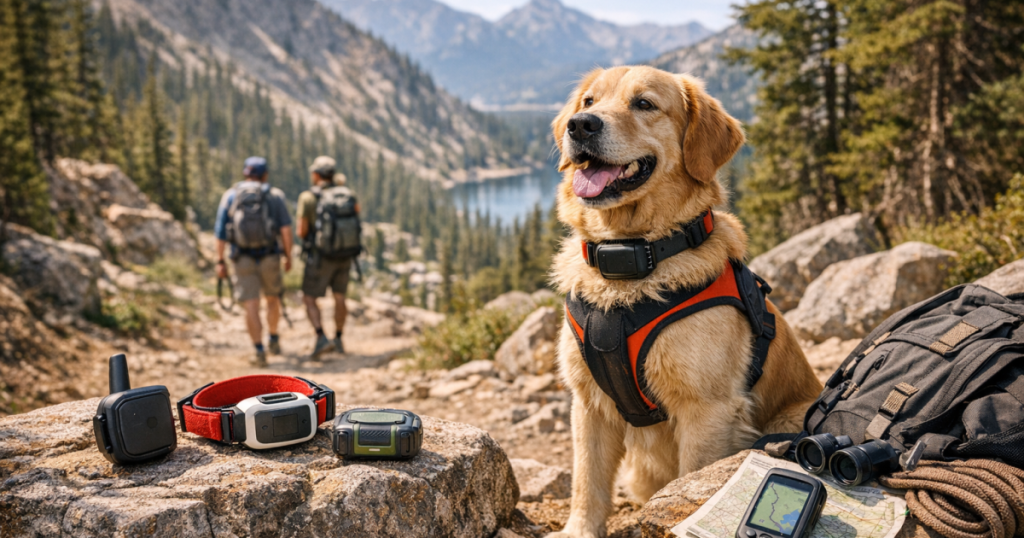
The best dog hiking safety gear options in 2026 are not just electronics. A well-fitted collar or harness, engraved ID, a leash system that prevents clip-change escapes, visibility gear, water, first-aid basics, and a tested tracker all work together. No single tracker makes a dog “safe” on its own.
Step 1: Match the tracker to the hike, not the sales page
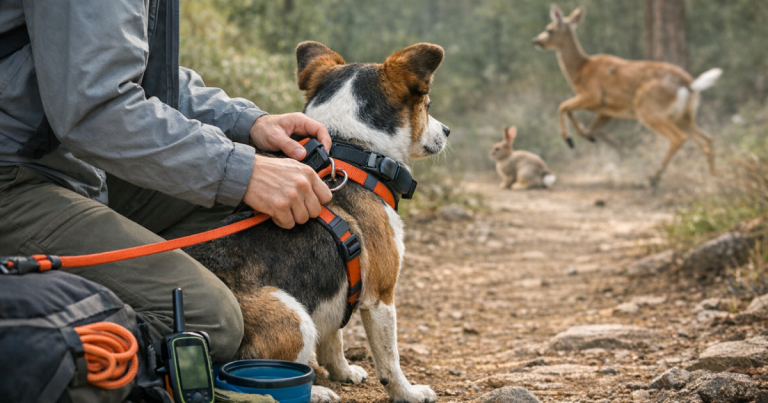
Start with the route. A wooded preserve five miles outside town is a different tracking challenge from a backcountry trailhead with no dependable cell signal. Before choosing a device for remote hikes, look at where your dog is most likely to bolt: the parking lot, the first mile of trail, a creek crossing, a campsite, or an open ridge where wildlife appears.
For many owners, the best dog GPS trackers are the ones that fit a repeatable routine: charged the night before, checked at the trailhead, attached to the same collar position every time, and backed up by visible ID. The device should make your first actions clearer, not give you false confidence.
Trackers worth considering for remote hiking scenarios
- Garmin Alpha LTE: A sensible device to review if your hikes lean rural, hunting-adjacent, or Garmin-oriented. Because LTE-based tracking still depends on compatible service conditions, it should be treated as part of a broader trail plan rather than a promise of coverage everywhere.
- Fi Ultra: A strong candidate to research for remote-area use because it is positioned around cellular and satellite connectivity. That extra connectivity angle is useful to evaluate, but owners should still verify current coverage details, subscription requirements, and size fit before relying on it for long trips.
- Tractive DOG 6: A mainstream GPS and health tracker to consider for trail systems that remain within cellular reach. It can make sense for road trips, campground stays, and day hikes near service, but it should not be treated as an off-grid rescue tool.
- FitBark GPS 2nd Gen: A GPS pet location and health tracker that may fit owners who want everyday tracking plus travel use. For remote hikes, the key question is whether your route’s network conditions support the tracker’s real-world location updates.
Step 2: Check the coverage chain before you pack
A tracker’s location dot is only as useful as the chain behind it: satellite positioning, device power, cellular or satellite communication, app access, and your ability to interpret the location under stress. Break one link, and the device may still be attached to the dog while giving you less useful information than expected.
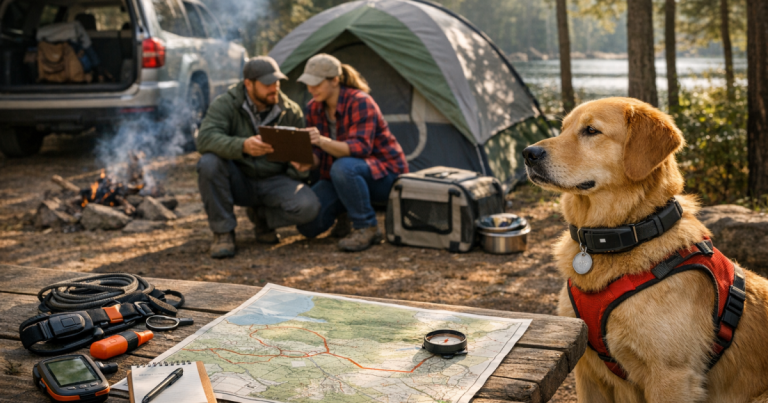
Before remote travel, do three checks at home and one at the trailhead. Confirm the subscription or service status if the tracker requires one. Charge the device and your phone. Open the app and make sure the dog’s profile, emergency contacts, and notification settings are current. At the trailhead, look for a fresh location update before unclipping the car restraint or starting down the path.
If your route includes deep canyons, dense forest, or long gaps between towns, plan as though location updates could slow down or stop. That does not make the tracker useless; it means you need a search plan that includes last-known location, direction of travel, recent trail junctions, water sources, and where a frightened dog might circle back.
Step 3: Secure the tracker to gear your dog cannot slip
Remote hikes punish sloppy fit. A tracker clipped to a loose collar may stay perfectly connected to the network while sitting in the ferns where your dog backed out. For dogs with narrow heads, thick coats, or a history of collar slipping, fit is as important as technology.
Use a collar that sits snugly without restricting breathing, and check it after your dog drinks, shakes off, or rolls. A harness can help distribute leash pressure, but it must also fit correctly around the chest and shoulders. Small dogs need special attention because bulky trackers can bounce, twist, or sit awkwardly; large dogs can put more force through clips, mounts, and leash hardware.
A simple engraved tag remains worth carrying. A person who finds your dog may call the number on the tag before they notice a tracker. For a durable backup, an option like the GoTags Bone Dog Tag in Stainless Steel keeps the recovery path visible even when your phone battery is low or service is poor.
Step 4: Test the tracker before the trail gets complicated
Do not make the first real test a windy overlook with a squirrel involved. A better routine is to test the tracker near familiar landmarks: your driveway, a park entrance, a trail sign, a baseball field, or another point you can identify without guessing. Walk a short route, watch how the app updates, and note how quickly the location settles after you stop.
For a more structured process, use this guide to test a dog GPS tracker against known landmarks. The goal is not to prove perfection. It is to learn the normal delay, map behavior, and update pattern of your device before your dog’s safety depends on your interpretation.
Repeat the test with the tracker attached exactly as it will be on the hike. A device in your hand, in a pocket, or mounted differently may not behave the same way as one sitting against a dog’s collar under fur and motion.
Step 5: Build a calm trail routine
Most hiking scares begin in ordinary moments: opening the car door, moving the leash from one attachment point to another, taking a photo, entering a campsite, or letting the dog sniff near a switchback. A tracker helps after the escape. Your routine helps prevent the escape.
- Check the tracker, collar fit, ID tag, leash clip, and harness adjustment before leaving the parking area.
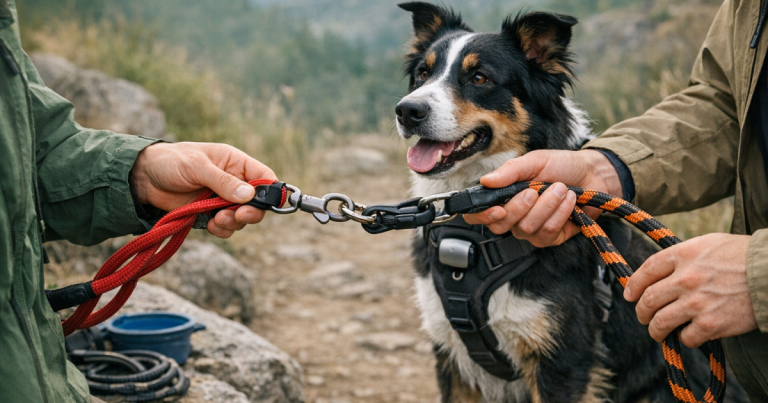
- Keep the leash attached during transitions, especially at trailheads, overlooks, picnic areas, and creek crossings.
- Save or screenshot important trail information before service drops, including the trailhead name and nearby road access.
- Tell one person your planned route and return window when hiking in quieter areas.
- Use visibility gear for dawn, dusk, fog, and wooded trails. A lighted accessory such as the Nite Ize NiteHowl Rechargeable LED Safety Necklace can make a dog easier to spot nearby, though it is not a substitute for tracking or restraint.
Fast answers
Are cellular GPS trackers enough for remote hikes?
Sometimes, but not always. Cellular trackers can work well where compatible service is available, including many parks, campgrounds, suburban trail systems, and road-accessible recreation areas. They become less dependable when terrain or distance interrupts communication, so check coverage and carry backup recovery tools.
Is a satellite-capable dog tracker automatically safer?
No. Satellite-capable tracking can be valuable for remote-area planning, but it still depends on device setup, battery level, physical attachment, service terms, sky view, and the owner’s ability to respond. It improves the plan; it does not replace the plan.
What should every hiking dog wear besides a tracker?
At minimum, a hiking dog should have visible identification, secure leash attachment, and gear that fits without rubbing or slipping. Water, a first-aid kit, and a recent photo on your phone also help if a normal outing turns into a search.
What stands out
The right tracker for remote hikes is the one whose limits you already understand. Garmin Alpha LTE and Fi Ultra are worth close review for more demanding route planning, while mainstream GPS trackers such as Tractive DOG 6 and FitBark GPS 2nd Gen can suit hikes that stay within reliable service areas. The steady habit matters just as much: test before you travel, secure the device properly, keep ID visible, and treat the tracker as one layer in a recovery system—not the whole safety plan.