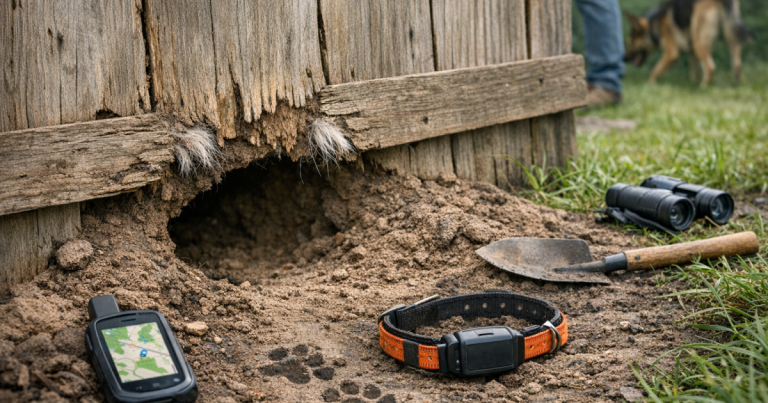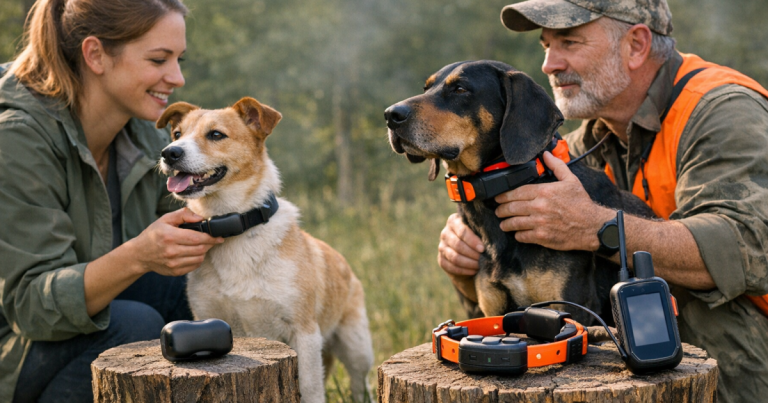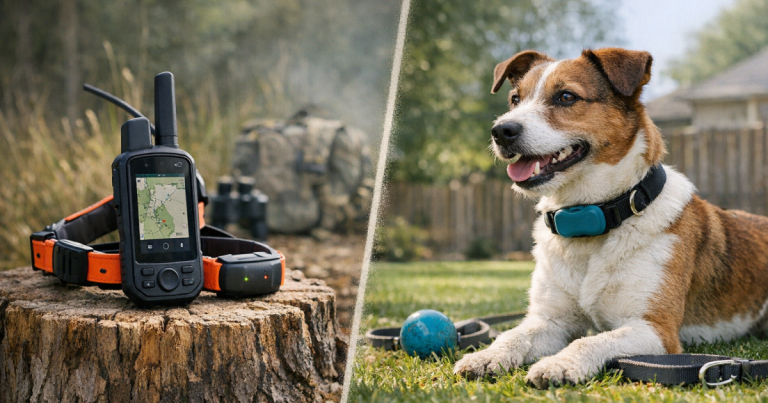
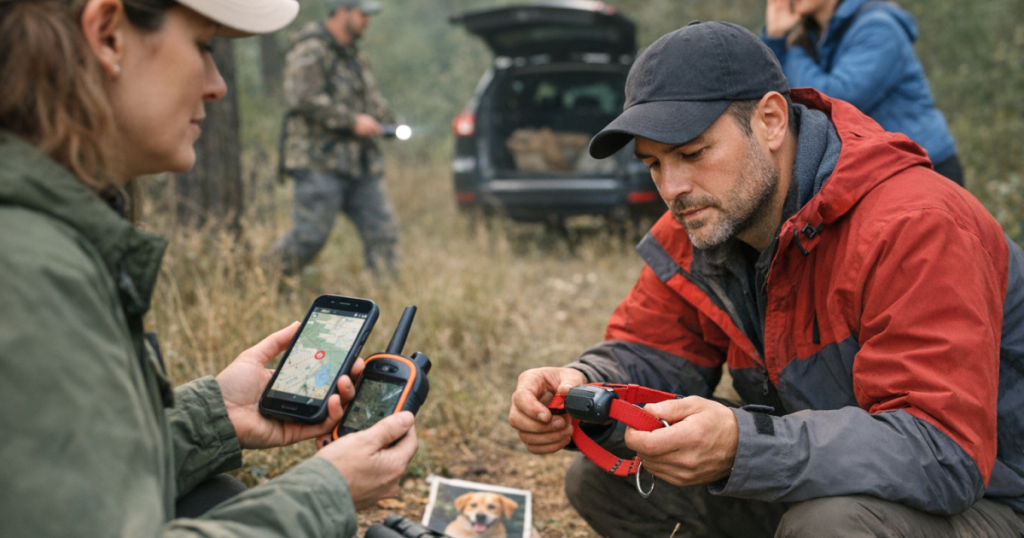
A lost-dog alert can make your chest tighten before your brain catches up. Furtrieve Pro GPS alerts are most useful when you treat them as search instructions, not just notifications: confirm the last reliable location, decide who is moving, and avoid scattering helpers before you have a plan.
Furtrieve Pro can assist in recovering a lost dog by using real-time GPS tracking and emergency alerts to point you toward the most recent known location. It still depends on practical follow-through: safe approach, steady communication, backup identification, and a plan for what to do when location updates slow down or stop.
Searches involving highways, rail corridors, waterways, construction sites, or restricted property should be coordinated by local animal control, law enforcement, or a qualified lost-pet recovery professional to follow local access rules, safety requirements, and property restrictions.
In brief
Use the first alert to slow the search down, not speed it into chaos. A GPS alert gives you a place to start, but recovery usually depends on reading movement, predicting likely cover, and keeping people from accidentally pushing the dog farther away.
- Start with the last reliable point. Do not assume the newest dot is perfect if signal, terrain, or timing could be affecting the update.
- Assign one coordinator. One person should watch the Furtrieve Pro location view and tell searchers where to go.
- Move quietly near the dog. A frightened dog may run from familiar people if they rush, shout, or chase.
- Use alerts with old-school recovery steps. Call shelters, notify neighbors, check cameras, and place scent items where safe.
- Plan for dead zones. If updates stop, search from the last confirmed point outward instead of wandering randomly.
Step 1: Confirm the alert before everyone runs
The first job is to understand what the alert is telling you. Open the Furtrieve Pro location view, note the time of the update, and check whether the dog appears to be moving, stationary, or jumping between points. If more than one person has access, have everyone read from the same source so you are not working from different timestamps.
Say the location out loud in a plain format: street, nearest cross street, trail marker, park entrance, or landmark. If the dog escaped from a yard, hotel, campsite, or parked car, mark that escape point separately from the current GPS position. Those two points help you see direction of travel.
Before leaving the house, grab a slip lead, high-value food, a flashlight, a leash, a photo of your dog, and your phone charger. If you travel with your dog often, keep those items packed ahead of time; our guide to building a lost-dog emergency kit for road trips is a useful model even for everyday car rides.
Step 2: Turn the location update into a search route
A GPS dot is a clue, not a finish line. Look at what lies between the escape point and the current location: alleys, creek beds, wooded edges, parking lots, school fields, construction fencing, or drainage areas. Many lost dogs follow edges because edges feel safer than open ground.
If the dog is moving
Do not chase directly behind the moving point unless you are very close and can safely leash the dog. Instead, use roads, trails, and natural barriers to get ahead of the direction of travel. One person can drive to the next likely crossing while another watches for fresh updates. Keep the coordinator off the wheel if possible; navigating and driving at the same time is a poor search tactic.
If the dog appears stationary
A stationary point may mean your dog is hiding, resting, trapped behind a fence, or simply in an area where the tracker is no longer updating normally. Approach quietly. Avoid calling the dog’s name over and over; repeated calling can add pressure to a scared dog. Sit low, turn your body sideways, use a calm voice, and let food scent do some of the work.
If the location seems inconsistent
When the point jumps around, treat the cluster as a search zone. Start at the most recent reliable location and work outward in a controlled pattern. Check under decks, behind dumpsters, around sheds, near water, and along fence lines. Ask nearby homeowners or businesses for permission before entering private property.
Step 3: Respond to an emergency alert without creating a second problem
An emergency alert should trigger a tighter plan, not a louder one. Share the latest location with your search group, then pause long enough to decide who is closest, who can approach safely, and who should stay back. Too many helpers converging at once can flush a nervous dog out of cover.
If the alert points near traffic, send one calm adult to observe from a safe location while another calls animal control or local police for help with roadway risk. Do not step into traffic, stop on a shoulder unsafely, or encourage strangers to chase. The goal is containment: slow the dog’s movement, block unsafe routes when it is legal and safe, and create a quiet path back to you.
If your dog is known to slip collars or panic on leash, recovery does not end when you get a hand on the collar. Clip to a secure backup point before moving the dog. For repeat escape artists, review backup leash attachments for dogs that back out of collars before the next walk, vet visit, or roadside potty break.
Step 4: Match your response to the escape scenario
The front-door dash
Door dashers often stay close at first, then widen their loop when people chase. Send one person to the last Furtrieve Pro point, one to the original door or gate, and one to check likely hiding spots within a few blocks. Leave the door or gate area calm and familiar if it is safe to do so, because some dogs circle back.
The trail or campground scare
On trails, think in lines: the trail itself, water access, parking areas, and the path back to your campsite or vehicle. Ask hikers to report sightings without pursuing. If the tracker shows movement along a trail corridor, position yourself ahead at a quiet opening rather than crashing through brush behind your dog.
The rest-stop or hotel escape
Travel escapes are especially disorienting because your dog may not know where “home” is. Use the GPS point, but also notify the front desk, gas station staff, nearby maintenance crews, and local animal control. Keep one person at the escape site with the car open and familiar bedding available if it is safe.
Step 5: Know what to do when alerts stop
Lost-dog searches get harder when a tracker stops updating, but they do not reset to zero. Your strongest clue is the last confirmed location, the direction your dog was moving, and the type of terrain nearby. Screenshot the last point, write down the time, and keep searching from that anchor.
- Check the basics. Confirm your phone has service, the Furtrieve Pro account is accessible, and notifications are not muted.
- Return to the last reliable point. Search the immediate area quietly before expanding.
- Build a sighting map. Mark confirmed sightings separately from guesses or social media comments.
- Notify shelters and clinics. Give a clear photo, collar description, microchip status, and the last known location.
- Use backup ID. A GPS tracker helps you search; an ID tag or close-range backup can help someone else contact you.
For owners who want a simple close-range backup alongside a GPS tracker, our Pawscout Smart Pet Tag review explains where a Bluetooth ID-style tag fits and where it should not be mistaken for full GPS recovery.
Straight answers
How can Furtrieve Pro assist in recovering a lost dog?
Furtrieve Pro can assist by providing real-time GPS tracking and emergency alerts that help you identify a recent location, organize searchers, and respond faster to movement or risk. The tracker is a recovery aid, not a guarantee; the safest results come from combining alerts with calm handling, local reports, and backup identification.
Should I follow every alert immediately?
Follow every alert seriously, but not blindly. Check the timestamp, compare it with the previous point, and think about barriers such as roads, fences, water, or woods. A careful route usually beats a frantic straight-line chase.
What if my dog runs when I get close?
Stop advancing. Lower your posture, turn sideways, avoid hard eye contact, and let the dog choose to approach if possible. For fearful dogs, a familiar voice used softly may help more than excited calling.
What to remember
The best use of Furtrieve Pro GPS alerts is a calm sequence: confirm the latest reliable location, assign roles, approach quietly, and keep working from verified information. A tracker can shorten the distance between panic and action, but the recovery still depends on patient field work.
After your dog is safe, write down what happened while it is fresh: where the escape began, which alerts helped, which gaps slowed you down, and what gear you wished you had. That small debrief can turn one frightening search into a stronger prevention plan for the next walk, trip, or open door.