A dog sitter can follow feeding notes perfectly and still be caught off guard by the one thing no one rehearsed: the door-dash moment. Before you hand over the leash, take 20 minutes to test escape alerts in a controlled way so the sitter knows what your tracker sounds like, how fast it updates, and what to do first.
The goal is not to prove the tracker is flawless. It is to turn a confusing phone notification into a practiced recovery routine while your dog is still safe, leashed, and close to home.
The calm pre-sitter drill
An escape alert is a notification that your dog’s tracking system sends when it thinks your dog has left a saved safe area, such as your home, yard, campsite, or sitter’s address. Different trackers handle this differently, and real-world performance depends on signal, app permissions, collar fit, battery level, and how the safe zone is drawn.
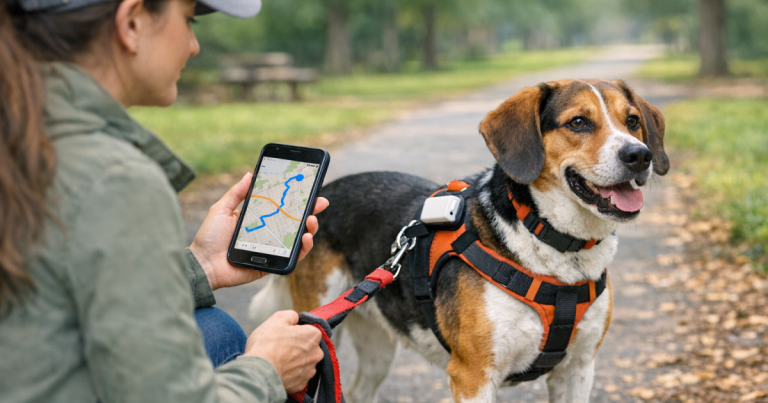
The safest test is a leashed walk outside the boundary, not a staged escape. Keep your dog clipped to a secure leash or harness, carry your phone, and ask the sitter to stand where they would be during a real handoff. You are checking the workflow, not challenging your dog’s recall.
- Confirm the tracker is charged and attached the same way it will be worn during the sitter visit.
- Open the app before the drill so you know the tracker is awake and reporting normally.
- Walk your dog on leash past the edge of the home safe zone.
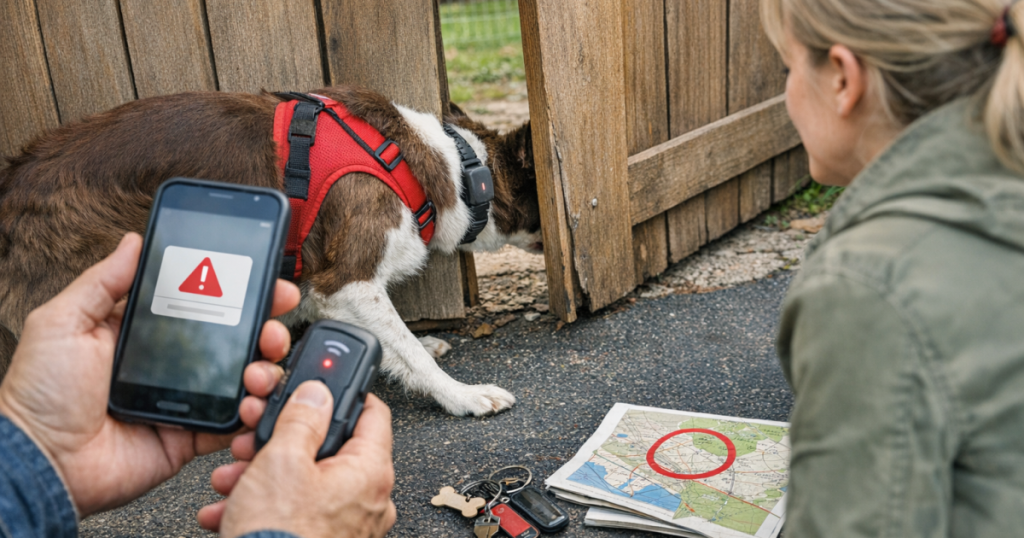
- Wait for the escape notification on the owner’s phone and, if applicable, the sitter’s phone.
- Have the sitter say out loud what they would do next: secure doors, call you, check the map, and avoid chasing.
- Return home and confirm the tracker recognizes that your dog is back in the safe area.
Step 1: Check the collar setup before you test anything
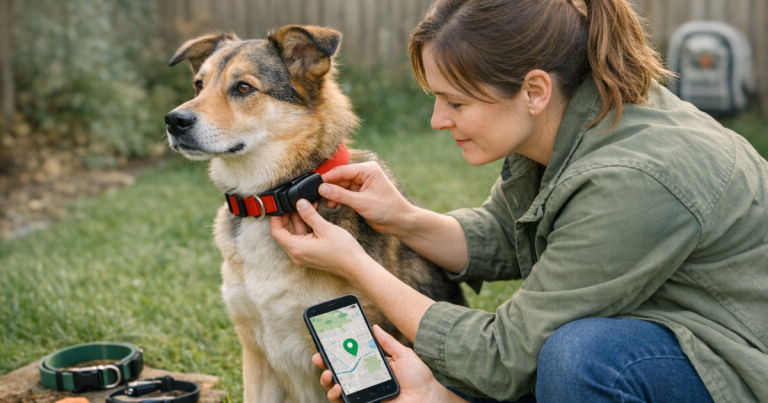
Escape alerts are only as useful as the tracker’s physical setup. If the device has been moved to a different collar, mounted at a new angle, or tucked under thick coat, do a basic fit check before relying on the alert test. A tracker that twists under the neck or slides behind a shoulder can still work, but it may update less predictably or be uncomfortable for the dog.
Use the same collar, harness, clip, and backup attachment the sitter will use. For narrow-necked dogs, strong pullers, puppies, and dogs with heavy coats, take an extra minute to confirm the tracker is not rubbing, dangling, or sitting where the dog can chew it. If you recently changed gear, it is smart to review how to calibrate a dog GPS tracker after switching collars before you run the sitter drill.
Step 2: Make sure notifications can actually reach the right people
A surprising number of failed alert handoffs are not tracker failures. They are phone settings problems. The sitter’s phone may be on silent, the app may not have notification permission, or the owner may have forgotten that alerts only go to the account holder.
Before the test walk, check these items on every phone involved:
- Notification permission: Make sure the tracking app can send alerts.
- Sound and vibration: Confirm the sitter will notice the alert while cooking, sleeping, or answering the door.
- Location permission: If the app needs phone location for certain features, confirm the setting is enabled according to the app’s own instructions.
- Shared access: If your tracker allows shared users or family access, confirm the sitter is signed in before you leave.
- Do Not Disturb settings: Add the tracker app and your phone number to allowed notifications if the sitter uses focus modes.
Ask the sitter to read the alert back to you when it arrives. That simple step reveals whether the message is clear, whether the sitter can open the map, and whether they understand the difference between a low-priority status update and a possible escape.
Step 3: Draw a safe zone that matches the sitter reality
A safe zone that works for your daily routine may not be ideal during pet sitting. If the boundary is too tight, the sitter may get nuisance alerts every time your dog walks near the mailbox. If it is too wide, the first alert may not arrive until your dog is farther from the house than you expected.
Walk the property with the sitter and name the risk points: front door, side gate, garage, deck stairs, unfenced driveway, shared apartment hallway, or the place where delivery drivers usually appear. Then check whether the saved boundary makes sense for those places.
For a backyard sitter visit, the alert boundary should reflect the actual containment plan. A dog who bolts through a loose latch needs human prevention first, not just a map afterward. If gates are part of the routine, pair your tracker test with a quick look at how to dog-proof backyard gates before your dog slips out.
Step 4: Run the alert test like a real handoff
Once the collar, phones, and safe zone are ready, do one complete drill. Keep it simple enough that the sitter could repeat the logic under stress.
Start inside the home
Begin with your dog indoors or inside the fenced area. Ask the sitter to confirm the tracker shows your dog at home. If the app has a refresh button or live mode, use only the controls you expect the sitter to use later. Avoid turning the test into a tech tutorial with every possible menu.
Walk across the boundary on leash
Clip your dog to secure walking gear and move past the safe-zone edge at a normal pace. Do not run, hide, or create excitement. A realistic walk gives you a better sense of how the alert behaves during an ordinary door-dash or gate-slip scenario.
Time the notification without obsessing over seconds
Notice whether the alert feels prompt enough to be useful, but do not treat one test as a laboratory measurement. Cellular coverage, GPS visibility, app background behavior, and battery-saving modes can all change update timing. What matters for sitter prep is whether the alert arrives, whether the sitter notices it, and whether the map is understandable.
Practice the first two minutes
Have the sitter rehearse the immediate response while your dog is safely leashed: close the door or gate, keep other pets inside, call you, check the last known location, and avoid shouting or chasing. If there are two people in the home, assign roles. One person watches exits; the other handles the phone.
Step 5: Build a backup plan for the alert gap
Even a well-set tracker can have gaps. Batteries drain, collars come off, cellular service varies by neighborhood, and a frightened dog may move faster than expected. That is why the sitter needs a backup plan that does not depend on a single notification.
At minimum, leave the sitter with:
- Your cell number and one backup contact who can act quickly.
- A clear photo of your dog taken recently, including any collar or harness they are wearing.
- The dog’s usual hiding spots, fear triggers, and recall cues.
- The nearest cross streets and any no-go hazards such as busy roads, ponds, or construction areas.
- Instructions not to remove the tracker or ID collar unless there is a safety or comfort issue.
Physical identification matters because a neighbor, hiker, or delivery driver may find your dog before anyone opens a tracking app. If your dog wears a GPS collar, use it alongside readable tags rather than instead of them. Here is a useful refresher on backing up a GPS collar with physical ID tags.
What to watch for during the test
After you test escape alerts, judge the whole chain rather than only the tracker. A perfect-looking map is not enough if the sitter cannot hear the notification. A loud alert is not enough if the collar is loose. A shared app login is not enough if no one knows who is calling animal control, neighbors, or the microchip registry if the situation escalates.
- No alert arrives: Recheck app permissions, battery, account sharing, and whether the dog actually crossed the saved boundary.
- The alert arrives late: Note local coverage conditions and give the sitter a wider prevention margin around doors and gates.
- The map looks jumpy: Check collar position, outdoor visibility, and whether the tracker has had time to settle after charging or a collar change.
- The sitter is unsure what to do: Simplify the instructions to three actions: secure the house, call the owner, open the tracker map.
- Your dog gets excited by the drill: Stop the test and reset calmly. A safety rehearsal should not create a new bolting game.
Common sitter-day questions
Should the sitter install the tracker app?
If your tracker supports shared access and you trust the sitter with it, app access can be helpful. Do it before the visit, not after an escape. Confirm the sitter can receive alerts, open the map, and contact you without digging through old messages.
Should I leave live tracking on all day?
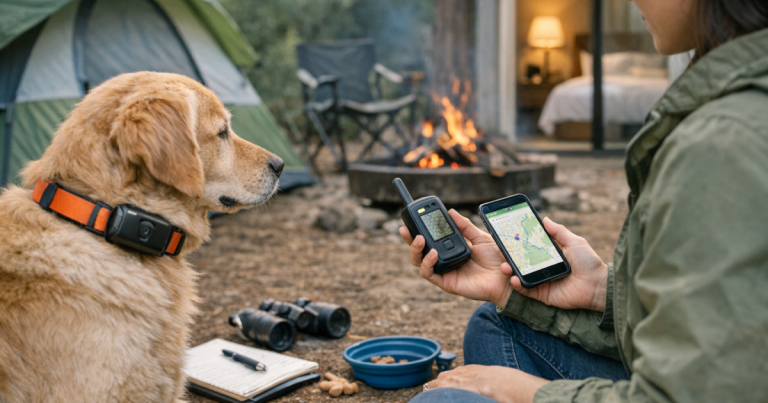
Follow your tracker’s instructions and think about battery life. Continuous tracking modes can be useful during a suspected escape, but some systems use more power when updating frequently. For sitter care, the better routine is a charged tracker, working alerts, and a clear escalation plan.
What if my dog is staying at the sitter’s house?
Create or update the safe zone for that address before you leave. Then run the same leashed boundary drill there, paying special attention to apartment doors, unfenced yards, parking lots, and unfamiliar walking routes. New places make prevention more important because your dog may not know where home is.
The handoff note to leave behind
Write the alert plan in plain language and keep it near the leash. A sitter under pressure should not have to remember a long conversation from drop-off.
- “If you get an escape alert, first close all doors and gates.”
- “Call me immediately, even if the dog appears to be nearby.”
- “Open the tracker map and tell me the last location shown.”
- “Do not chase if the dog is scared; move calmly and use the recall words listed here.”
- “Keep the GPS collar and ID collar on during the visit.”
A good alert test does more than check technology. It gives the sitter permission to act quickly, removes guesswork, and helps you leave with a little less of that tight feeling every dog owner knows. The tracker is one layer; the practiced human plan is what makes it stronger.