A dog tracker is most comforting when you already know how it behaves before the gate pops open or the leash clip slips. Testing dog GPS tracker accuracy against known landmarks gives you a simple, repeatable way to see whether the map matches real life closely enough for your everyday routes.
The goal is not to prove that a tracker is perfect. It is to learn its normal delay, drift, and weak spots while your dog is safe, leashed, and right beside you.
The usable answer
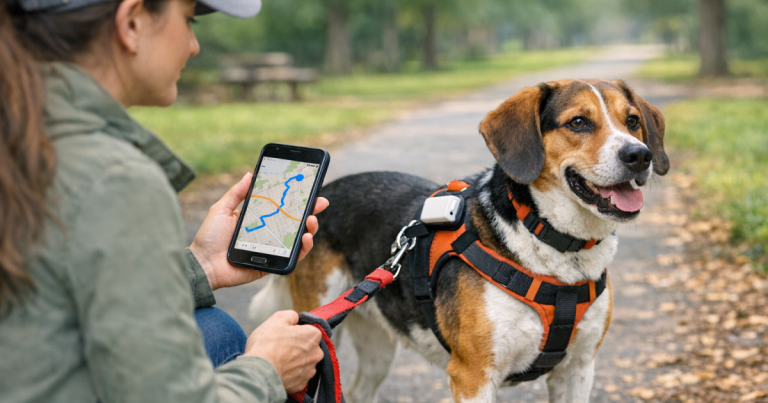
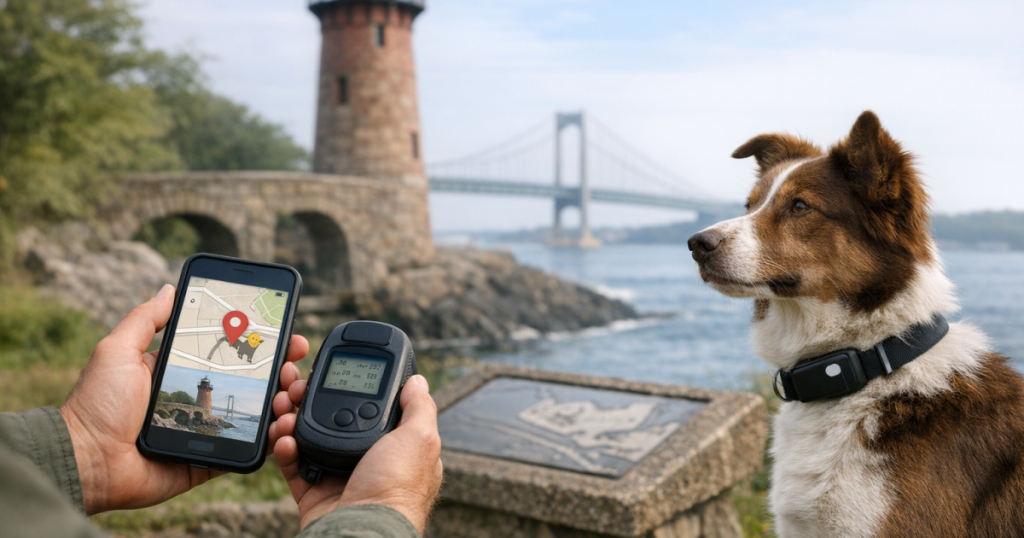
To test a dog tracker against known landmarks, choose several fixed points you can identify both in person and on the app map: a mailbox, driveway corner, trailhead sign, baseball backstop, bridge, or park entrance. Walk to each point with your dog leashed, stop for 30 to 60 seconds, and note where the tracker places your dog on the map. Repeat the same route in open sky, near buildings, under trees, and at different times of day.
A useful accuracy test compares three things: where your dog actually stood, where the app pin appeared, and how long the app took to update. If the pin is consistently on the wrong side of a street, delayed by several blocks, or scattered around the map when your dog is standing still, treat that location as a caution zone rather than a reliable recovery area.
Before you leave the driveway
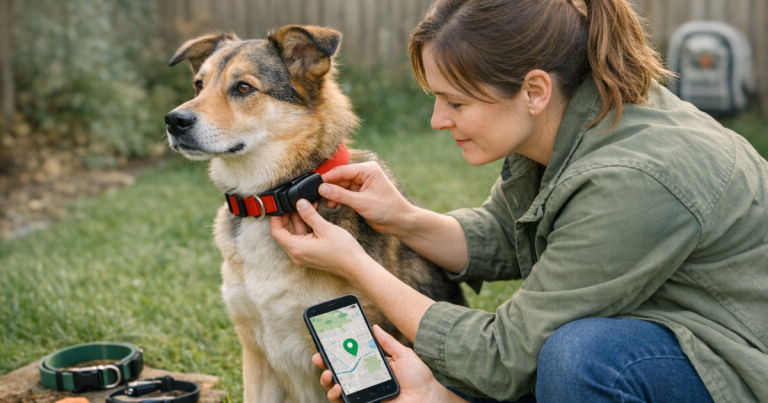
Start with the unglamorous checks, because they prevent confusing test results. Charge the tracker, confirm the app is signed in, make sure notifications and location permissions are enabled, and check that the tracker is attached securely to the collar or harness. A loose device can swing, rotate, or sit under the neck, which makes it harder to judge whether a map issue is coming from the tracker, the fit, or the environment.
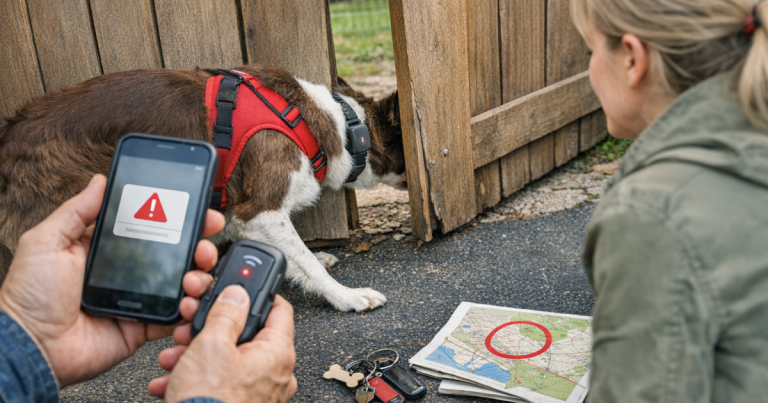
Use a leash for every accuracy test. This is a controlled walk, not a trial escape. If your dog is a collar slipper, fence tester, or panic-puller, check the walking setup before you test the technology. A few minutes spent on harness escape gaps is far more useful than learning your tracker’s limits while your dog is already loose.
Bring something simple for notes. A phone note, index card, or printed route list works. Write the landmark name, the actual time you arrived, the app’s displayed position, and whether the update was instant, slow, or missing. You do not need survey-grade measurements. You need patterns you can remember during a stressful moment.
Build a landmark route that tells you something
A good route uses landmarks that are easy to recognize on the ground and on the map. Avoid vague points like “near the big tree” unless that tree is clearly visible on satellite view. Strong test points include:
- Your front porch, driveway apron, or mailbox.
- The corner where your street meets a larger road.
- A school fence gate, park sign, or trailhead marker.
- A footbridge, creek crossing, culvert, or trail junction.
- The backstop of a baseball field or the corner of a tennis court.
- A parking lot entrance, picnic shelter, or rest area sign.
Include at least one familiar escape-risk area. If your dog bolts toward the side gate, test the side gate. If your hound follows deer scent toward a tree line, include the field edge. If your terrier fixates on squirrels in the park, test the park path where you would actually search first.
The step-by-step landmark test
1. Start with an open-sky baseline
Begin somewhere easy for GPS signals: an open yard, ball field, or wide sidewalk away from tall buildings. Stand at the first landmark for 30 to 60 seconds. Open the tracker app and let it settle rather than judging the first dot you see. Note whether the pin lands near you, across the road, behind a building, or moving when your dog is still.
2. Walk a short loop instead of one straight line
A loop shows whether the tracker follows direction changes or cuts corners. Walk from the first landmark to three or four nearby points, stopping at each one. If the app draws a smooth path but skips a stop, that may point to update timing rather than a total location failure. If the path jumps across houses or water, note the specific spot.
3. Add a “standing still” check
GPS drift often becomes obvious when you stop. Stand at a landmark for two minutes with your dog calm and close. Watch whether the map pin stays near the landmark or wanders around the block. This is where a tracker can look dramatic on the screen even though nothing is happening on the leash.
4. Repeat under tougher conditions
Do the same route near tree cover, between buildings, beside parked cars, or along a wooded trail. For more detail on one safe version of this process, use the leashed-walk method for checking GPS drift and adapt the landmarks to your own neighborhood.
5. Record update delay separately from map offset
Delay and accuracy are not the same problem. A tracker may eventually place your dog close to the right spot but lag behind during movement. Another may update quickly but place the pin across the street. In a real search, those two behaviors call for different reactions: a lagging pin means you should think in the direction of travel, while an offset pin means you should search both sides of the mapped point.
How to score dog GPS tracker accuracy without overthinking it
After one route, sort each landmark into one of three plain-language buckets:
- Trustworthy enough for this area: The pin appears close to the landmark, updates without a long wait, and does not jump wildly while your dog is stationary.
- Usable with caution: The pin points you to the right block, field, or trail section, but you would still search nearby landmarks and likely paths.
- Weak zone: The app is delayed, missing updates, or placing your dog somewhere misleading enough that you would not rely on that point alone.
This scoring is intentionally practical. Lost-dog recovery happens in real places: alleys, tree lines, cul-de-sacs, campground loops, and trail junctions. You are not trying to grade a device in a lab. You are building a mental map of where the tracker helps quickly and where you need backup habits, ID tags, visibility gear, recall work, or a tighter leash routine.
Common results and what they mean
If the tracker looks accurate in your yard but drifts at the park, the park may have more signal interference, tree cover, or network limitations. If the pin trails behind you during a brisk walk, the app’s update interval may be more important than the satellite location itself. If the pin improves after you stand still, you have learned that pausing at landmarks can help the app catch up during a search.
For rural properties, hunting land, large parks, and trail systems, test the exact type of terrain you expect to use. A tracker intended for bigger outdoor coverage, such as the Garmin Alpha LTE, should still be checked against real landmarks in your own area before you trust it around woods, ridgelines, or low-service roads.
Map imagery can also fool you. Sometimes the tracker is closer than it looks because the satellite image is old, the trail has shifted, or the map labels are slightly offset. That is why physical landmarks matter. A bridge, road crossing, or fenced field corner is easier to verify than a vague patch of green on a screen.
Run the test in the places that matter most
One driveway test is useful, but it is not enough for a dog with a real escape pattern. Repeat your landmark route in the situations you actually worry about:
- Door dashers: Test the front yard, sidewalk corner, parked-car row, and the first busy street nearby.
- Fence jumpers: Test the back gate, neighboring yards, alley access, and the direction your dog usually runs.
- Trail dogs: Test trailheads, forks, creek crossings, parking areas, and open overlooks.
- Traveling dogs: Test at a rest stop, rental yard, campground loop, or hotel dog area before the trip routine feels rushed.
- Small dogs: Confirm the tracker sits comfortably and does not twist under the chin while walking.
- Large, fast dogs: Pay close attention to update delay, because a few slow refreshes can cover a lot of ground.
What to do with your results
If your landmark notes are mostly reassuring, keep the route as a quick monthly check and repeat it after app updates, collar changes, or long breaks between uses. If you find weak zones, do not panic. Mark them mentally as places where the tracker is only one part of your recovery plan.
For those areas, tighten the non-tech basics: engraved ID tag, current microchip registration, clear recent photos, leash control near exits, and a plan for who checks which direction if your dog gets loose. The tracker can shorten the search, but it should never be the only layer between a near miss and a long night.
Helpful questions
How close should a dog tracker be to the landmark?
There is no single distance that guarantees reliability across every device, map, and environment. What matters most is whether the tracker consistently points you to the correct search area and whether you understand its normal offset. A pin that is slightly off but predictable is easier to use than one that jumps randomly.
Should I test with my dog off leash?
No. Accuracy testing should be done with your dog leashed or otherwise safely controlled. You can learn almost everything you need from a calm walk between fixed landmarks, and you avoid creating the very emergency you are trying to prepare for.
How often should I repeat the test?
Repeat the test after buying a new tracker, changing collars or mounts, moving to a new neighborhood, planning a trip, or noticing strange app behavior. For escape-prone dogs, a short route every few weeks keeps the routine familiar.
The big picture
A landmark test turns a tracker from a hopeful gadget into a tool you understand. You learn where the map is dependable, where it hesitates, and how to read the pin when your heart rate is up. That calm familiarity is the real win: if your dog ever slips out, you will already know how the screen behaves in the places you are most likely to search first.