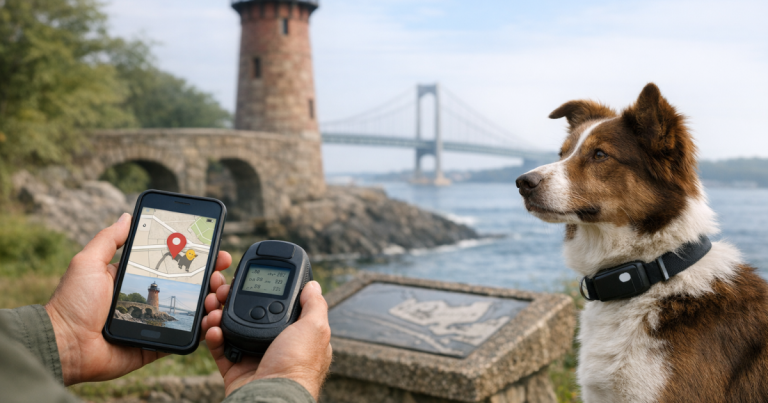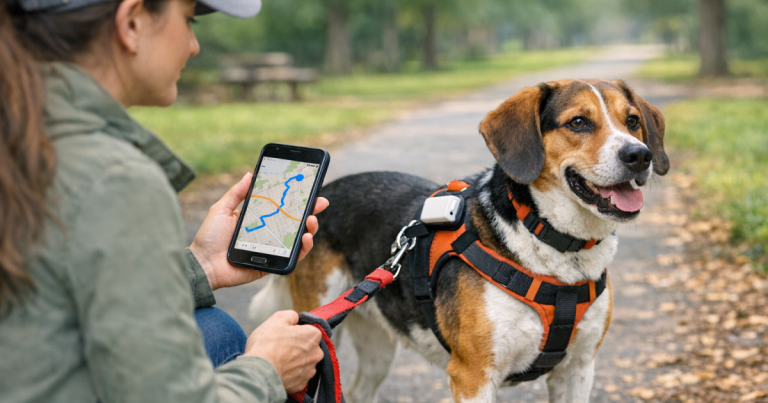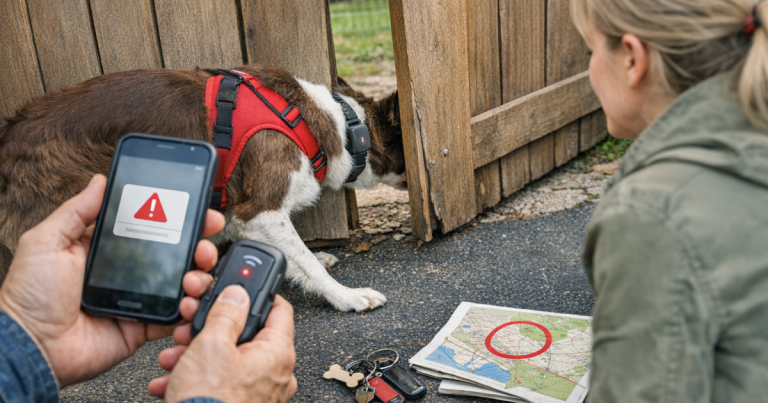
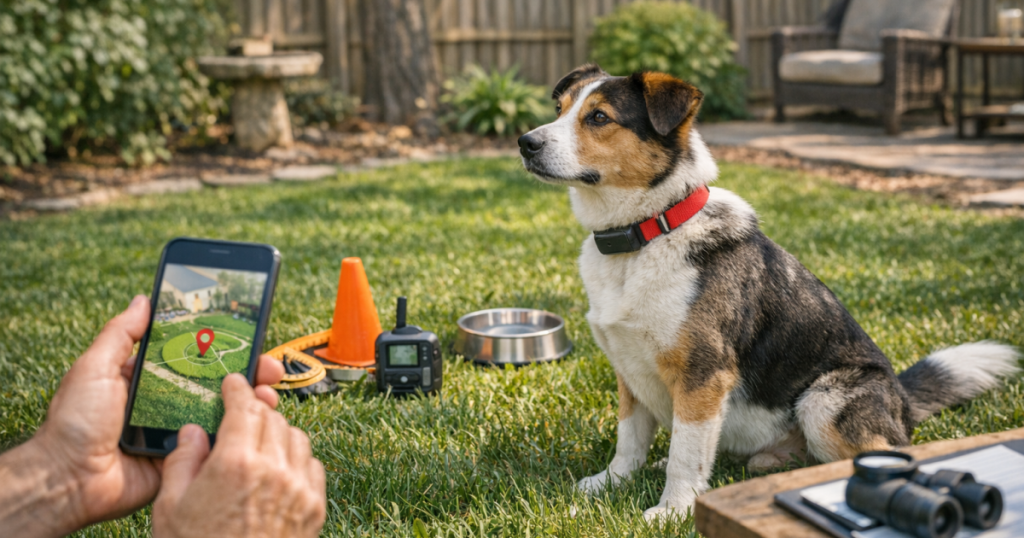
Before you trust a tracker during off-leash time, test it where the stakes are low: your own yard. A backyard check gives you a calm way to see dog GPS tracker accuracy, update lag, collar fit, battery behavior, and weak signal spots before your dog is excited, distracted, or moving fast.
The goal is not to prove the tracker is perfect. The goal is to learn how it behaves around your house, fence line, trees, vehicles, and usual escape routes so you can make smarter decisions before opening the gate.
The short version
To test a dog GPS tracker before off-leash time, fully charge it, attach it exactly as your dog will wear it, walk a known route around your yard, pause at marked points, and compare the app’s location to where your dog actually is. Repeat the test near fences, doors, trees, sheds, cars, and the street-facing side of the property. Watch for map drift, delayed updates, dead zones, battery drain, and whether the collar stays positioned correctly on your dog’s neck.
A good backyard test should answer four practical questions: Can you understand the app quickly under stress? Does the location update often enough for your setting? Are there predictable areas where the signal looks weaker? And does the tracker stay secure when your dog sniffs, rolls, shakes, pulls, or runs?
Set up the test like a real escape could happen
Backyard testing works best when it resembles the way the tracker will actually be used. Charge the tracker, update the app if needed, and attach the device to your dog’s regular collar or harness setup rather than holding it in your hand. A handheld tracker may look more stable than one moving under fur, tags, and leash pressure.
Before you start, check the fit. The device should sit where the manufacturer expects it to sit, and the collar should not rotate so loosely that the tracker slides under the neck or into heavy coat. For dogs with dense ruffs, double coats, or loose skin around the neck, placement can matter more than owners expect. If your dog has a thick coat, use the fit checks in our guide to fitting a GPS collar on a thick-coated dog before judging the signal.
Use a leash for the entire first test. Even in a fenced yard, the point is to study the tracker without adding risk. Have one person handle the dog and another watch the app if possible. If you are alone, walk slowly and stop often so you can compare the screen without rushing.
Mark a simple backyard route
Pick five to eight points you can recognize easily. You do not need surveying tools; you need consistency. Good test points include the back door, gate, far fence corner, shed, driveway edge, tree line, patio, and the side yard where your dog usually investigates smells.
Walk the same loop two or three times. At each point, stop for 30 to 60 seconds and note where the app places the tracker. Do not panic if the marker is not directly on top of your dog every second. Consumer GPS trackers can show drift, and many pet trackers also depend on cellular service, app refresh timing, or network conditions. What matters is whether the information is useful enough to guide a search if your dog moves toward a gate, road, or neighbor’s yard.
During the route, pay attention to these checks:
- Does the marker move in the same general direction as your dog?
- Does the app lag by a few seconds, a minute, or longer in certain spots?
- Does the location jump across the street, into a neighboring yard, or far outside the property?
- Does the tracker lose connection near sheds, parked vehicles, dense trees, or the house wall?
- Can you tell the difference between normal drift and a genuinely useful movement alert?
Test the places where a dog actually bolts
The most useful accuracy check is not a neat loop in the open part of the lawn. It is a slow rehearsal around the locations where your dog would realistically vanish from sight. For many families, that means gates, garage doors, delivery paths, side yards, and the stretch between the back door and the driveway.
Stand with your dog near each exit point and wait for the app to settle. Then walk away 20 to 40 feet and see how quickly the tracker follows. If your app has a safe-zone or boundary alert feature, test it from both directions: leaving the area and returning to it. Do not assume an alert will happen instantly. Some systems are designed to conserve battery, some depend on network coverage, and some refresh differently when the dog is moving compared with resting.
If your dog is a trailhead bolter, fence jumper, or door dasher, this step is more than a tech check. It helps you build a routine. The same calm habits you practice in the yard can carry over to parking lots, campsite arrivals, and leash transitions; our advice on keeping your dog from bolting at busy trailheads pairs well with this kind of home rehearsal.
Run a movement test, not just a standing test
A tracker can look fine when a dog is standing still and still be frustrating when the dog starts moving. After the slow route, add controlled movement. Jog a short line with your dog on leash, turn around, then walk back. If your dog is comfortable and the yard is secure, use a long line instead of letting the dog loose.
Watch how the app represents motion. Some trackers may smooth the route instead of showing every wiggle. Others may show dots that update in intervals rather than a continuous path. That is not automatically a failure. The practical question is whether the tracker gives you enough direction to move toward your dog rather than away from them.
Repeat this with normal dog behavior included. Let your dog sniff along the fence, shake off, roll in the grass, duck under shrubs, and pull toward a scent. After each movement, look at the collar. Has the tracker rotated? Is it covered by thick fur? Is it bumping the leash clip or ID tags? A location tool that sits poorly during real behavior may feel reliable on paper but disappoint in the moment you need it.
Check your phone habits too
A backyard test is partly about the tracker and partly about you. During a lost-dog scare, people often open the wrong screen, miss a refresh button, forget which map layer they prefer, or misread a stale location as a live one. Practice now, when your dog is safe beside you.
Open the app from a locked phone. Find the live tracking or location screen. Identify how the app shows time since last update. Switch between map and satellite view if those options are available. Make sure another trusted household member can do the same thing, because the person holding the leash may not be the person watching the phone during a real escape.
Also check your phone’s own weak points. A low phone battery, poor mobile reception, disabled notifications, or an app that has been logged out can make a tracker feel worse than it is. Your test should include the whole recovery workflow: dog, collar, tracker, phone, app, and the person interpreting the map.
What counts as a concerning result?
Some inaccuracy is normal. A backyard test becomes concerning when the pattern would send you in the wrong direction during a real search. One odd jump on the map may be a temporary glitch. Repeated jumps near the same fence, long delays near the house, or a marker that consistently appears on the wrong side of the street deserve attention.
Use these results as decision points:
- Minor drift: The marker is nearby but not exact. Keep testing in different parts of the yard and learn the normal margin for your property.
- Consistent lag: The location updates behind your dog’s movement. Be cautious about relying on it for fast off-leash activity near roads, woods, or open gates.
- Dead spot: The tracker struggles in a specific corner or near a structure. Treat that area as a known weak point and adjust your routine.
- Poor fit: The device rotates, loosens, or disappears under fur. Fix the collar setup before blaming the tracker.
- Confusing app behavior: If you cannot tell whether the location is live, stale, or estimated, practice more before trusting it under pressure.
Repeat the test in different conditions
One clean test is helpful, but it is not enough. Repeat your dog GPS tracker accuracy check at least a few times before relying on the device for higher-risk situations. Try morning and evening, a cloudy day and a clear day, after the tracker has been worn for an hour, and when your phone is on the cellular network rather than home Wi-Fi.
If your dog travels, do a smaller version of the same test at safe destinations: a fenced rental yard, a campsite arrival area, or a family member’s property. The tracker’s behavior at home does not guarantee the same experience in rural hills, dense woods, crowded suburbs, or places with weaker cellular coverage.
Keep notes simple. You only need a few lines: date, place, battery level at start, route, weak spots, app lag, and fit issues. Over time, those notes help you separate a one-time oddity from a real pattern.
Build a backup plan before you need one
A GPS tracker is a recovery aid, not a complete lost-dog plan. Your dog should still wear visible ID, and your household should know what to do if the app points toward a road, park, creek, or neighbor’s property. If the tracker fails, runs out of battery, loses service, or comes off the collar, your backup steps matter.
Keep current photos of your dog on your phone, including full-body side views and close-ups of unique markings. Save emergency contacts, microchip information, and recent locations. If your dog does get loose, clear, specific flyers can still generate sightings that technology misses; here is how to make lost dog flyers that generate useful sightings.
Quick answers
How accurate should my dog’s GPS tracker be in the backyard?
Do not judge it by whether the dot sits exactly on your dog every second. Judge whether it reliably shows the correct part of the property, updates in a useful direction, and avoids repeated errors that would send you away from your dog.
Should I test inside the house too?
Yes, but treat indoor results differently. Walls, roofs, appliances, and the dog’s resting position can affect location behavior. Indoor testing is useful for understanding alerts and app status, but outdoor testing is more relevant before off-leash activity.
Can a backyard test prove the tracker will work on hikes?
No. It can prove that you understand the device and that it works reasonably well in one familiar setting. Hiking areas may have different tree cover, terrain, cellular service, and movement speed, so repeat a controlled test when you arrive at a new environment.
What to remember
The best backyard test is calm, repeatable, and honest about limitations. Walk known points, pause long enough for updates, test the exits your dog would actually use, and watch both the map and the collar fit. If the results are confusing, fix the setup and test again before adding off-leash freedom.
Most importantly, use the test to build confidence without becoming overconfident. A tracker can shorten the gap between panic and action, but it works best as one layer in a broader routine: secure gear, practiced handling, current ID, realistic expectations, and a household that knows what to do when a dog suddenly disappears from view.