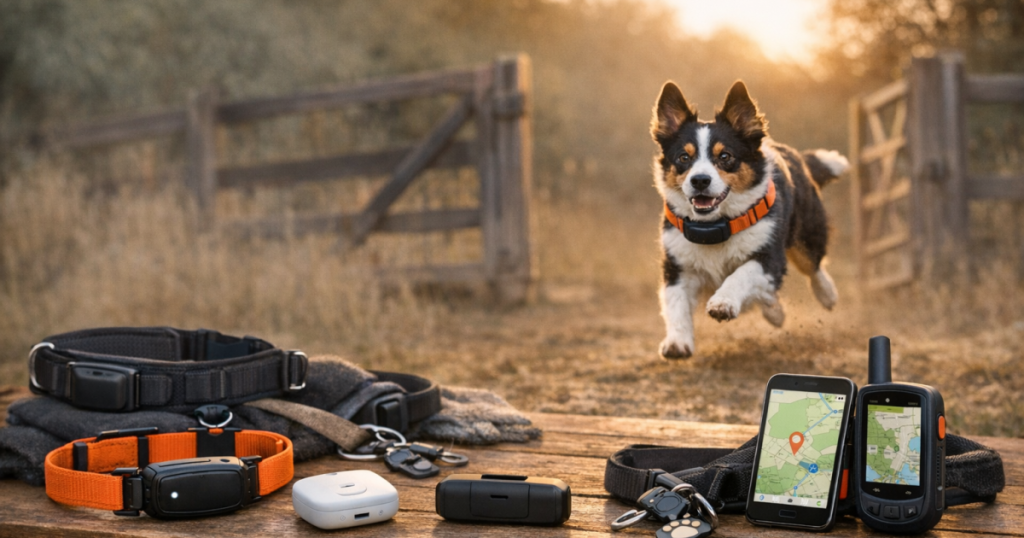
When a dog squeezes through a gate, the best alert is the one you have already tested. If you are choosing the best GPS dog trackers for escape-prone dogs, do not shop by map screen alone: look at how quickly the device notices a safe-zone break, whether its network works where your dog actually runs, and whether the collar or harness mount stays comfortable during daily wear. A fast ping helps, but it is not a recovery plan by itself.
The short version for 2026
The strongest escape-alert setup is usually a cellular GPS tracker or smart collar with customizable safe zones, reliable phone notifications, enough battery margin for your routine, and a physical fit your dog cannot easily slip or shake loose. No tracker is instant in every situation. Alert timing can be affected by GPS signal, carrier coverage, app settings, phone notification permissions, battery-saving modes, and how the device is worn.
For most owners, the right pick is not the device with the boldest claim. It is the tracker that matches the dog’s escape pattern: gate nudger, fence jumper, trail bolter, newly adopted flight risk, or road-trip wanderer.
Four trackers worth shortlisting
Tractive DOG 6: strong everyday escape-alert candidate
Tractive DOG 6 is a sensible first comparison for owners who want app-based GPS tracking, virtual safe-zone alerts, and live-tracking style recovery help from a mainstream cellular tracker. It is best suited to dogs whose escapes happen in neighborhoods, parks, campgrounds, and other places where cellular coverage is normally available. Before buying, verify current subscription terms, device size, water-resistance details, and coverage for your ZIP code and travel routes.
Fi Series 3+ Smart Dog Collar: collar-first tracking for daily wear
Fi Series 3+ is a good fit to compare if you prefer a smart collar format rather than clipping a separate tracker onto an existing collar. That can be convenient for owners who want the tracking device to be part of the dog’s daily setup. The trade-off is fit: a collar-based tracker still needs to sit correctly, avoid rubbing, and stay secure on dogs with narrow heads, thick coats, or a talent for backing out of gear.
Halo Collar 5: best when escape alerts are part of a boundary routine
Halo Collar 5 belongs on the shortlist when the goal is not just finding a dog after an escape, but managing GPS fence and tracking routines together. It is a more involved choice than a simple clip-on tracker, because boundary systems depend on setup, training consistency, and owner follow-through. It is not a shortcut for weak gates or unsupervised yard time, but it may suit owners who want containment tools and location awareness in one collar system.
Garmin Alpha LTE: for outdoor handlers who already think in tracking layers
Garmin Alpha LTE is worth comparing for hunting, field, and rural-use households that want a Garmin-style dog tracking device using LTE service. Its value depends heavily on where the dog runs and whether LTE coverage is dependable in that terrain. In remote areas with patchy service, do not assume any LTE tracker will behave like a dedicated off-grid recovery system.
Step 1: match the tracker to the escape pattern
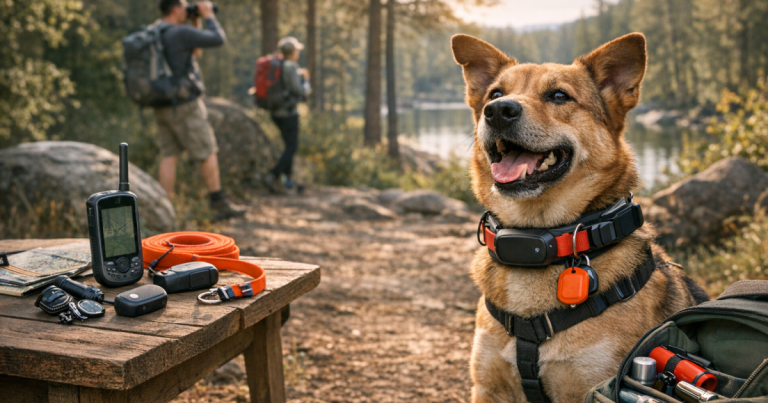
Start with the moment your dog usually disappears, not the product page. A dog who noses open a side gate needs a tight safe-zone routine and loud phone notifications. A fence jumper needs secure mounting and gear that stays put during impact and sprinting. A trail bolter needs enough battery margin for a long search and a plan for low-signal areas. A newly adopted dog may need layered management: ID tag, secure harness, long line, tracker, and very conservative door routines.
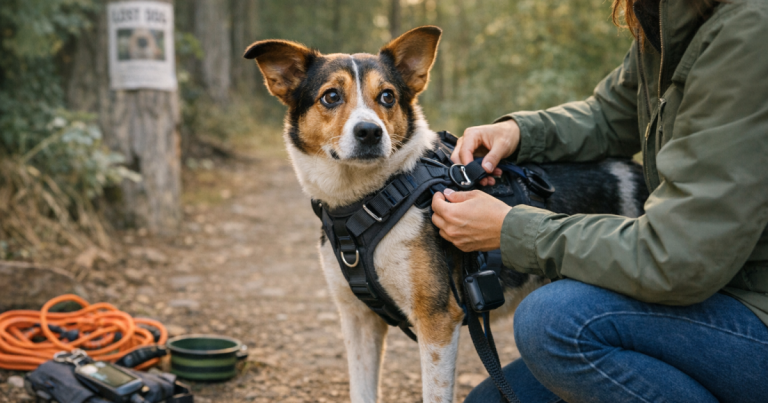
Any time you change collars, harnesses, or attachment points, run a short movement check before trusting the setup. This guide on how to test GPS tracker mounting after changing dog collars is a useful next step if your dog wears different gear for walks, yard time, and travel.
Step 2: check the alert chain before you need it
Fast escape alerts are a chain, not a single feature. The tracker has to detect location, decide the dog left a safe zone, send that information through its network, and reach your phone in a way you notice. One weak link can turn a “fast” tracker into a late warning.
- Safe-zone size: Very small zones may create nuisance alerts; very large zones may delay the moment you know the dog is gone.
- Coverage dependency: Cellular trackers need suitable service where your dog is moving, not just where you live.
- Phone settings: App permissions, focus modes, low-power settings, and muted notifications can all interfere.
- Battery habits: A tracker sitting uncharged by the door is just collar decoration with ambition.
Step 3: do a first-week escape drill
After setup, do not wait for a real scare to learn the app. Walk the dog, or carry the tracker, beyond the safe-zone boundary while another adult watches the notification timing. Check whether the alert is audible, whether the map updates clearly, and whether every regular caregiver knows what to tap first. Repeat the drill from the back gate, driveway, and any door your dog tends to target.
If your dog wears a harness for hiking or long-line work, placement deserves its own test. A tracker that works on a collar may sit differently on a back clip or shoulder strap, so use a simple movement trial like this walkthrough on how to test a dog GPS tracker on a harness.
Step 4: build the backup before the alert fails
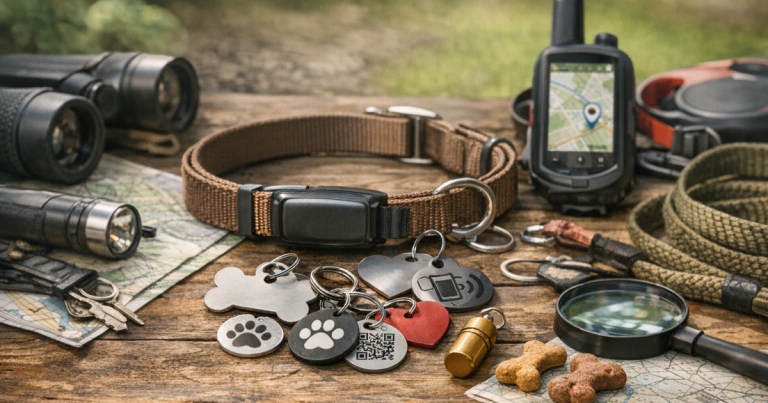
A fast GPS alert is excellent, but recovery reliability comes from layers. Keep an engraved ID tag on the dog, confirm microchip contact details, save recent photos, and know which neighbors or campground hosts you would call first. Bluetooth tags, visibility lights, long lines, and printed flyers can all have a place, depending on the situation.
For owners who hike, travel, or live where cellular coverage drops, it is worth building an intentional fallback. This breakdown of alternative GPS pet trackers and backup tools explains why a second layer can be useful without pretending every device does the same job.
Read owner reviews like a recovery planner
Current owner reviews can be helpful, but read them for patterns rather than star ratings. Look for comments about escape alerts in similar environments: suburban yards, wooded trails, rural roads, apartment courtyards, or campgrounds. Pay attention to complaints about delayed alerts, app notification problems, fit on small dogs, bulky devices, charging routines, and customer support. Also check whether reviewers mention their carrier coverage or phone type, because those details often explain very different experiences with the same tracker.
Straight answers
Are GPS escape alerts instant?
No. They can be quick, but they are not guaranteed to be instant. GPS signal, network coverage, safe-zone settings, battery level, and phone notifications all influence how soon you see the alert.
Is a smart collar better than a clip-on tracker?
Not automatically. A smart collar can be tidy for daily wear, while a clip-on tracker may let you keep a preferred collar or harness. Choose the format your dog will wear securely and comfortably every day.
Should I still use an ID tag?
Yes. A visible ID tag can help a neighbor, hiker, or campground staff member contact you before anyone opens an app. GPS is powerful, but simple identification still earns its place.
Main points
For 2026, the best fast-alert tracker is the one that fits your dog, works on the networks available in your real escape zones, and has been tested before an emergency. Shortlist Tractive DOG 6, Fi Series 3+, Halo Collar 5, and Garmin Alpha LTE by use case rather than hype. Then practice the alert, tighten the backup plan, and keep the routine simple enough that every caregiver can follow it when the gate is suddenly open.
If you are choosing between two good options, decide based on the failure you are most worried about. For a dog who slips out during school drop-off or package deliveries, prioritize noticeable phone alerts and a safe zone that covers the doors without swallowing the whole block. For a dog who bolts on hikes, battery margin and coverage checks matter more than a polished home dashboard. For a foster or newly adopted dog, assume habits are still unknown and pair the tracker with conservative handling, double-leash routines, and visible ID.
Keep expectations realistic, too. A tracker can shorten the time between “the dog is gone” and “we know where to look,” but it cannot fix a latch, replace training, or make poor reception disappear. The most dependable setup is usually boring: the device is charged on a schedule, the collar fit is checked with two fingers under the strap, app notifications are allowed to break through focus modes, and one backup person knows how to open the map if you are driving or panicking.
Before trusting the setup for vacations, boarding, dog sitters, or a new yard, run one fresh test in that exact context. Safe zones, Wi-Fi assists, cellular coverage, and caregiver response time can all change when the routine changes. A five-minute drill before a weekend trip is much easier than discovering at dusk that the alert went to the wrong phone, the collar was too loose, or the map updates only after the dog has already crossed the road.