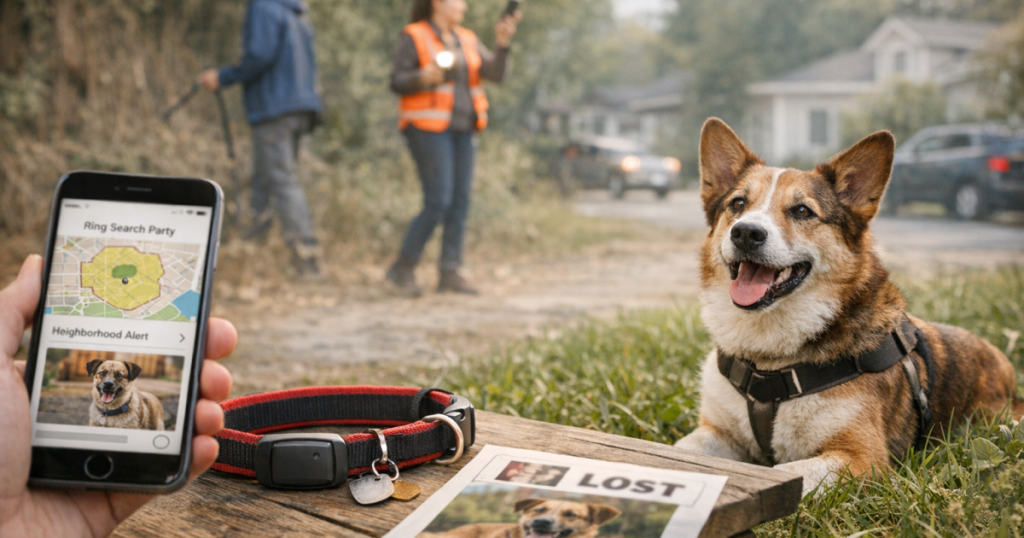
When a dog bolts from a gate, slips a leash, or vanishes during a storm, speed and clarity matter more than panic. Ring Search Party can help broadcast a lost-dog alert to nearby people who may already have useful camera footage or a fresh sighting.
Searches that involve roadways, private property, capturing an injured dog, or using traps should be coordinated with animal control, a veterinarian, or a qualified lost-pet recovery professional and carried out in line with local ordinances and safety requirements.
The short version
- Use the feature as a fast neighborhood alert system, not as a live GPS tracker.
- Post one clear photo, your dog’s name, size, color, temperament, last known location, and the safest way to contact you.
- Ask nearby residents to check doorbell, driveway, garage, and side-yard camera clips from a specific time window.
- Update the alert as sightings come in so helpers move toward the right area instead of spreading out randomly.
- Keep searching on foot and by car while the alert circulates. Community visibility works best when paired with calm, organized ground search steps.
What the feature actually helps with
Ring’s lost-pet alert tools are most useful for neighborhood-scale awareness. A missing dog may pass a doorbell camera, trigger a driveway camera, pause near a porch, or be spotted by someone walking another dog. The value is not that the app tracks your dog directly; the value is that it can quickly put a recognizable photo and last-known details in front of people who live close enough to matter.
Ring Search Party works best when the escape is recent and the search area is still realistic: a few blocks, a subdivision, an apartment complex, a campground loop, or the streets around a park. It is less useful for large rural areas, woods, or highway-adjacent escapes unless people in that area are active in the app and able to review camera footage quickly.
Before you post: gather the details that make neighbors useful
A rushed post that says “lost brown dog, please help” may get sympathy, but it does not give people enough to act on. Take two minutes to build a clean alert before you send it.
- Use a current photo: Choose a full-body image where coat color, ears, tail, and size are obvious. Avoid cute close-ups that hide markings.
- Name the last confirmed location: Use cross streets, a landmark, or an apartment building number. Do not rely only on “near home.”
- Add the time last seen: A dog seen 15 minutes ago and a dog missing since last night require different search decisions.
- Describe behavior: Say whether your dog is friendly, shy, likely to run if called, afraid of men, reactive to other dogs, or food-motivated.
- Give one contact method: Use the safest contact route available in the app or a number you are comfortable sharing. Too many contact paths can scatter reports.
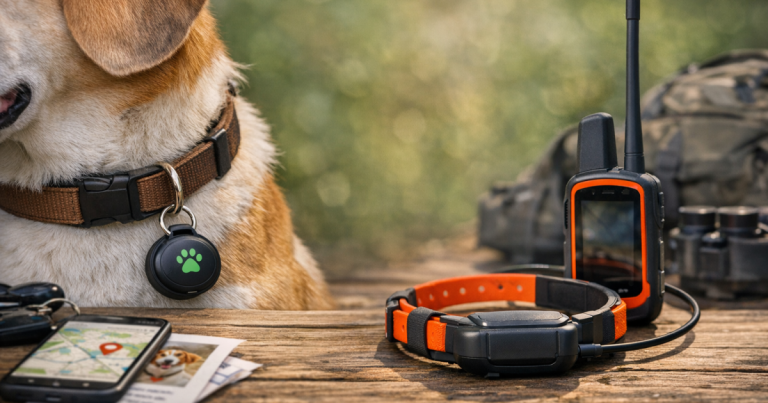
If your dog wears a GPS tracker, check its app before and after posting, but do not wait for perfect data. Cellular coverage, battery state, blocked signals, buildings, tree cover, and app refresh timing can all affect what you see. If you already use a tracker, it is worth knowing how it behaves before an emergency; a simple backyard GPS accuracy check can make a future alert much less confusing.
How to write the alert so people know what to do
The goal is not to tell every neighbor everything. The goal is to make the next useful action obvious. A strong lost-dog alert should answer three questions: what does the dog look like, where was the dog last confirmed, and what should people do if they see the dog?
A simple alert format
Use a calm, specific message like this:
“Lost dog: medium black-and-white mixed breed named Rosie. Last seen near Maple Street and 8th Avenue at about 4:20 p.m., running west toward the school. She is shy and may bolt if chased. Please do not call or pursue her. If seen, note the exact location, direction of travel, and time, then message me through the app.”
That kind of post helps prevent the most common well-meaning mistake: a group of strangers calling, chasing, or surrounding a scared dog. Many lost dogs go into flight mode. A quiet sighting with a precise time and direction is often more valuable than a dramatic attempted capture.
What to ask neighbors to check
When people want to help, give them specific jobs. Broad requests can fade into background noise, but focused requests turn neighbors into extra eyes.
- Doorbell and porch clips: Ask residents near the escape point to review footage from 10 minutes before the last known time through the next hour.
- Driveways and alleys: Dogs often cut through side yards, alleys, open gates, and shared driveways rather than staying on sidewalks.
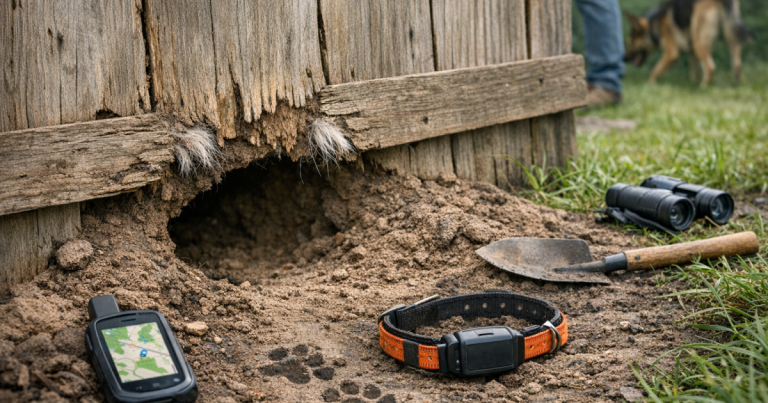
- Garages, sheds, and crawl spaces: A frightened dog may hide in a dark, quiet opening and stay silent when called.
- Trash pickup areas and restaurant backs: Food smells can pull a hungry dog toward dumpsters or outdoor seating areas.
- Schoolyards, parks, and trailheads: Open spaces can attract dogs, but they can also push the search area wider if the dog keeps moving.
Ask for exact times, not just “I saw a dog like that.” A sighting at 5:05 p.m. heading north is actionable. A sighting “sometime this afternoon” may still help, but it should not pull every searcher away from newer reports.
Use it alongside physical search steps
Posting an alert is only one lane of the recovery effort. While the alert spreads, someone should stay near the last known location, someone should monitor messages, and someone should quietly check likely routes. If you live in a dense city neighborhood, camera coverage and foot traffic can help, but tall buildings, busy roads, and fast-changing noise patterns can also make sightings harder to interpret. For owners who regularly deal with city escapes, our guide to urban dog tracking alternatives explains why no single tool covers every situation.
Keep your search behavior low-pressure. Walk slowly. Avoid shouting your dog’s name over and over. Carry familiar-smelling items, a leash, and high-value food if it is safe to do so. If your dog is skittish, sit or crouch sideways instead of walking straight toward them. For many dogs, a calm owner on the ground is less frightening than a crowd moving in.
When a sighting comes in
Treat every credible sighting like a data point, not a command to sprint. First, confirm the location, direction of travel, and time. Then compare it with other reports. One sighting may be wrong; three sightings along the same line can show a travel corridor.
- Mark the sighting on a map or write it down with the time.
- Ask whether the dog was running, walking, hiding, eating, or interacting with anyone.
- Ask whether the dog wore the same collar, harness, or tag shown in your alert photo.
- Update your post only when you have enough detail to help people search smarter.
- Tell helpers not to chase unless you have a clear, safe capture plan.
If the dog was last seen backing out of a collar or harness, add that detail to the alert. After the immediate recovery is over, that escape pattern deserves attention. Dogs who reverse out of gear may need different walking equipment and handling routines; our martingale collar guide for dogs who slip out covers the fit and control questions to revisit later.
Where a community alert falls short
The most important limitation is simple: a community alert depends on people seeing it, caring about it, and being close enough to help. It does not replace microchip registration, a readable ID tag, current photos, secure fencing, leash discipline, or a dedicated GPS tracker for dogs with a known escape history.
There are also practical constraints. Not every neighbor uses the app. Not every camera faces the street. Some footage may be missed, overwritten, or too blurry to identify a moving dog. Rural roads, wooded land, culverts, creeks, and large unfenced properties can create blind spots that a neighborhood alert will not solve on its own.
That does not make the feature unhelpful. It simply means you should use it for what it is good at: fast local awareness, camera-check requests, and organized sighting updates. Treat it as one layer in a recovery plan, not the whole plan.
After your dog is home
Once your dog is safe, update the alert so neighbors stop searching and know the outcome. Thank anyone who shared footage or reported a sighting. Then, while the details are still fresh, write down what worked: where the first sighting came from, which route your dog took, what equipment failed, and which neighbors responded quickly.
That short debrief can prevent the next scare. Tighten the gate latch, update microchip and tag information, retest tracker alerts, adjust collar or harness fit, and save a current full-body photo in your phone. Lost-dog recovery is easier when the plan is built before adrenaline takes over.
What people usually ask
Is Ring Search Party the same as GPS tracking?
No. It is a community alert and visibility tool, not a live GPS location system. It can help people nearby recognize your dog, review camera clips, and report sightings, but it does not continuously track your dog’s collar.
Should I include my dog’s name?
Usually, yes, but pair it with handling instructions. If your dog is fearful, tell people not to call, chase, or whistle. Ask them to report the exact location and direction of travel instead.
How often should I update the alert?
Update when you have useful new information: a confirmed sighting, a likely direction of travel, a corrected photo, or a safe capture instruction. Too many vague updates can make helpers tune out.
What if someone says they saw my dog but gives few details?
Ask for the time, exact location, direction of travel, and whether they noticed collar color, size, markings, or behavior. If the details stay vague, record it but avoid moving your whole search effort based on that report alone.
Key takeaways
Use Ring Search Party quickly, but use it carefully. A clear photo, exact last-known location, calm instructions, and focused camera-check requests can turn a stressful neighborhood search into a more organized recovery effort. The safest approach is layered: community alerts, physical searching, current ID, realistic tracker expectations, and prevention fixes after your dog is home.