A safe zone that is too tight can turn a calm morning into a stream of false alerts, while one that is too wide may not warn you until your dog is already down the block. Setting dog tracker safe zones is less about drawing a perfect digital fence and more about giving the tracker enough room to be accurate, timely, and useful in real escape scenarios.
The goal is simple: fewer nuisance alerts, faster meaningful warnings, and a setup you have actually tested before the day your dog slips through a gate.
The short version
- Make the home zone larger than the physical fence line so normal GPS drift does not trigger constant false exits.
- Place the boundary around the places your dog can realistically reach, not just the outline of your house on the map.
- Test alerts by walking outside the zone with the tracker, then returning, and note how long exit and entry notifications take.
- Set separate zones for repeat locations such as a sitter’s house, a relative’s yard, a campground, or a regular office.
- Do not treat safe zones as containment. They are alert tools, not a replacement for gates, leashes, recall training, ID tags, or supervision.
What a safe zone can and cannot do
A safe zone, sometimes called a geofence, is a virtual area drawn in your tracker’s app. When the tracker appears to leave that area, the system sends an alert. That sounds precise, but real-world tracking is affected by GPS signal quality, cellular coverage, app notification settings, building materials, terrain, and how often the tracker updates.
That means a safe zone should be built around practical recovery needs. You are not trying to trace every inch of a wooden privacy fence. You are trying to create an alert that tells you, quickly and with reasonable confidence, that your dog is no longer where they should be.
For a suburban yard, that usually means a buffer beyond the house and fence. For a rural property, it may mean several zones or a much larger boundary that reflects where your dog is allowed to roam. For an apartment, it may mean centering the zone around the building rather than trying to outline a single unit.
Trackers also vary in how they handle boundaries. Some smart collars, such as the Fi Series 3 Smart Collar, are designed around app-based location awareness and everyday pet tracking. Other systems may be built for more specialized field use. Whatever device you use, the setup still needs a real-world test instead of blind trust in the first map you draw.
Step 1: Start with the escape story, not the map
Before opening the tracker app, think about the way your dog would actually get loose. A front-door dasher, a fence jumper, and a hound who follows scent trails from the back pasture do not need the same boundary.
Ask yourself these questions:
- Where does my dog usually spend unsupervised time?
- Which exit points are most likely: front door, side gate, garage, car door, low fence, or open field?
- How far could my dog get before I noticed without an alert?
- Are there busy roads, wooded areas, storm drains, trails, or neighbors’ yards nearby?
- Does my dog tend to bolt in a straight line, circle nearby, follow people, chase wildlife, or hide?
This gives the safe zone a job. For a door dasher, you may want the alert to fire soon after your dog leaves the house area. For a rural dog allowed near barns or outbuildings, a tight house-only zone may be useless because it will trigger every time the dog follows you across the property.
Step 2: Make the first boundary wider than feels perfect
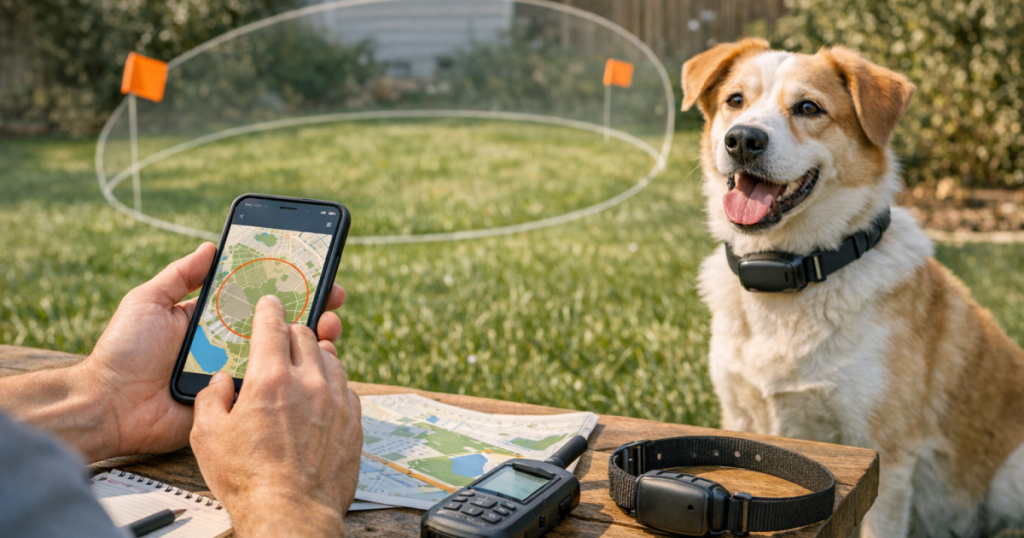
Many owners start too small because the map makes precision feel possible. The problem is that a collar lying near a window, under a tree, beside a garage, or inside a house may show slightly different positions throughout the day. If the boundary hugs the walls or fence, those normal shifts can look like exits.
For most home setups, place the edge beyond the physical area your dog is allowed to occupy. The right amount of buffer depends on your property, nearby risks, and tracker behavior, but the principle is consistent: a slightly wider zone is usually calmer and more reliable than one drawn exactly on the property line.
There is a trade-off. A wider zone may delay the moment you get an exit alert. A tighter zone may warn sooner but create false alarms. Your job is to find the narrowest boundary that stays quiet during normal life and still alerts before your dog reaches a truly dangerous area.
Step 3: Center the zone where the tracker spends time
The center point matters. If your dog’s collar spends most of the day near the back door, but the zone is centered on the street-facing side of the house, one side of the boundary may be too tight while the other side is overly generous.
For a house with a yard, center the zone around the middle of the dog’s normal safe area, not necessarily the visual center of the home. For an apartment or condo, center it over the building footprint or the area where the tracker usually receives the most stable signal. For a farm, ranch, or multi-acre property, consider whether one large zone or separate named zones make more sense for how your dog moves.
If the app lets you name locations, use clear names such as Home, Daycare, Grandma’s House, Cabin, or Campground. In a real alert, simple labels are easier to process than vague names.
Step 4: Test exits slowly and record the delay
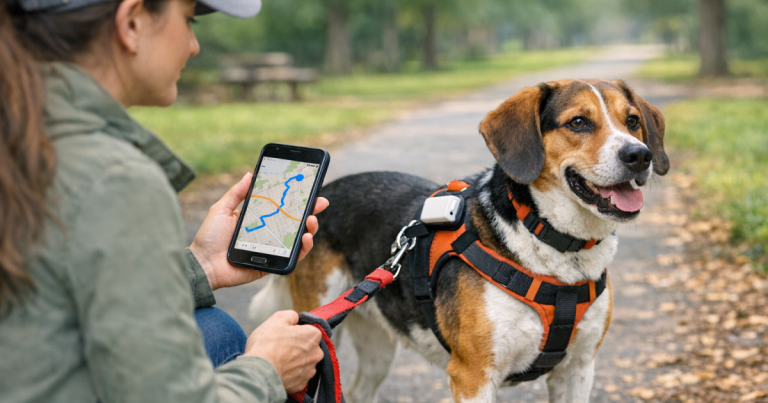
Once the zone is drawn, do not wait for a real escape to learn how it behaves. Clip the tracker to your dog’s collar, or carry it exactly as your dog would wear it, and walk out of the zone at a normal pace. Keep your phone with you and note when the notification arrives.
Run the test in both directions:
- Walk from inside the zone to outside it and time the exit alert.
- Wait outside the boundary for a few minutes to see whether the location settles.
- Walk back inside and time the return alert.
- Repeat from a different side of the property, especially near trees, garages, hills, or dense buildings.
- Test at least once when your phone is on cellular data rather than home Wi-Fi.
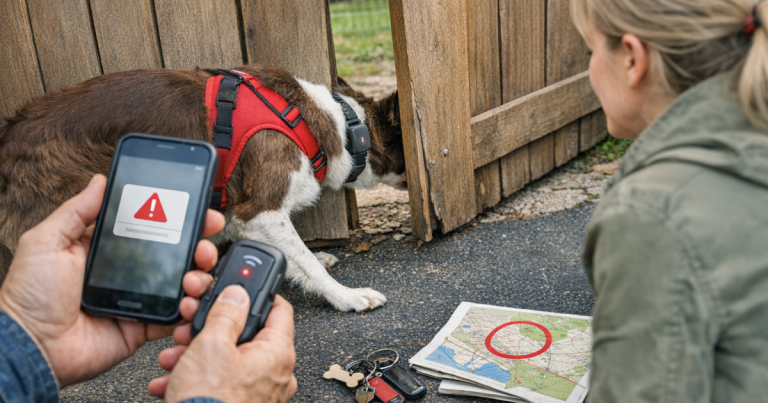
A delay of a short period may be normal depending on the device, network, and settings. What matters is whether the delay is acceptable for your dog’s behavior and your surroundings. If your dog can reach a busy road in less time than the alert usually takes, the safe zone should be paired with stronger physical prevention, closer supervision, or a different routine.
If alerts are consistently late, inconsistent, or missing, use a troubleshooting process before blaming the boundary alone. Battery level, power-saving settings, notification permissions, poor coverage, and update intervals can all affect the experience. The walkthrough on fixing delayed location updates on a dog tracker is a useful next step when your zone looks right but alerts do not arrive when expected.
Step 5: Adjust for signal trouble spots
Safe zones often fail in predictable places. Tall buildings, heavy tree cover, deep valleys, metal roofs, thick walls, and weak cellular coverage can make a tracker look less steady. The same dog in the same yard may appear rock-solid on one side of the house and jumpy near the garage.
Watch for patterns over several normal days. If the tracker repeatedly shows your dog outside the zone while they are sleeping indoors, the zone is probably too tight or poorly centered. If it fails to alert until your test walk is far down the street, the boundary may be too wide, the network may be slow, or the tracker may be updating less often than you expect.
Do not keep changing five settings at once. Adjust one thing, test again, and make a note. A simple tracker setup log can include the date, zone size, phone notification behavior, exit alert time, return alert time, and any odd conditions such as storms, low battery, or heavy tree cover.
Step 6: Build zones for real routines
Home is only one part of lost-dog prevention. Many escapes happen during transitions: arriving at a vacation rental, unloading the car, visiting family, using a dog sitter, or stopping at a rest area. If your tracker supports multiple safe places, set them before the trip or visit starts.
Useful extra zones may include:
- A dog sitter’s house, including the fenced yard rather than only the building.
- A family member’s property where doors may be opened by people who do not know your dog’s habits.
- A campground or cabin area where roads, woods, and wildlife add risk.
- A workplace or dog-friendly office if your dog spends regular time there.
- A training field, but only if the boundary reflects how you actually use the space.
Travel zones deserve special care because dogs often escape when everyone is distracted. During road trips, a tracker can help with recovery, but it will not stop the first leap from the vehicle. Pair temporary safe zones with a door routine, leash before latch, and the prevention steps in preventing car-door escapes on dog road trips.
Step 7: Match alert settings to the person who will act
An alert is only useful if the right person sees it quickly. Check that phone notifications are allowed, sound or vibration settings are noticeable, and any shared caregivers understand what the alert means.
For a household, decide who responds first. If one person assumes another person saw the notification, precious minutes can pass. For sitters, walkers, or relatives, explain the difference between a false alert and a confirmed exit. A calm plan might be: check the dog visually, secure doors and gates, open the tracker app, then start the recovery route if the dog is truly missing.
Also think about alert fatigue. If your setup sends false exits every afternoon, people will start ignoring it. Reliable safe zones should be quiet during normal life and loud only when the situation deserves attention.
Step 8: Recheck the setup after changes
A safe zone that worked in spring may behave differently after a move, a new fence, a renovated porch, a changed Wi-Fi setup, a new phone, or a different collar fit. Recheck the boundary any time your dog’s routine changes.
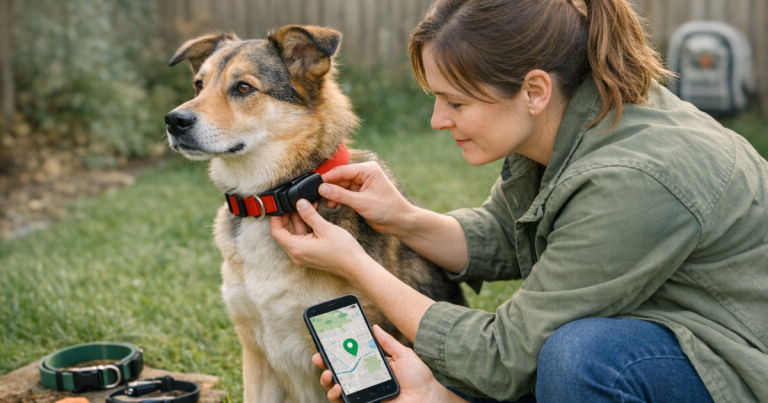
Collar fit matters more than many owners expect. A tracker that rotates under the neck, hangs loosely, or gets blocked by the dog’s body may perform differently than one sitting consistently. Small dogs may have less collar space and more comfort concerns, while large, active dogs may put more stress on attachment points. The tracker should be secure without making the collar too tight or heavy for daily wear.
Make safe-zone testing part of a monthly routine. It does not need to be complicated: walk outside the boundary, confirm the exit alert, walk back in, confirm the return alert, and charge or inspect the device according to the maker’s instructions.
Main points
- Safe zones work best when they reflect your dog’s real escape risks, not just the property outline on a map.
- A small buffer helps reduce false alerts caused by normal location drift.
- Testing matters because alert timing can change with coverage, surroundings, phone settings, and tracker behavior.
- Temporary zones are valuable for sitters, relatives, cabins, campgrounds, and other places where routines are less familiar.
- No tracker is foolproof. Safe zones should support physical prevention, ID, recall practice, and a clear recovery plan.
Things readers ask
How large should a home safe zone be?
It should be large enough to avoid false alerts when your dog is safely inside or in the yard, but not so large that your dog can reach a major hazard before you are warned. Start wider than the fence line, test it, then tighten only if alerts stay stable.
Why does my tracker say my dog left when they are inside?
Indoor GPS readings can drift because roofs, walls, trees, and nearby structures interfere with location accuracy. A slightly larger or better-centered zone often helps, but repeated false alerts may also point to coverage or device settings.
Should I make separate zones for the front yard and back yard?
Usually not for a typical home. Separate zones can create extra alerts without improving recovery. They are more useful on larger properties where different areas have different rules or risks.
Can a safe zone replace a fence or leash?
No. A safe zone is an alert system, not a physical barrier. It may help you respond faster after an escape, but gates, leashes, secure collars, supervision, and training still do the prevention work.
When should I retest dog tracker safe zones?
Retest after moving, changing your dog’s routine, adding a sitter location, replacing a phone, changing notification settings, or noticing delayed or false alerts. A quick monthly test is a good habit.
Final thoughts
The best safe zone is not the prettiest shape on the app map. It is the boundary that stays quiet when your dog is safe and alerts quickly enough when something has actually gone wrong.
Set it around real behavior, test it from the places your dog would actually exit, and revisit it as routines change. That simple work turns a tracker from a gadget you hope will help into one part of a calmer, more reliable lost-dog prevention plan.