When your dog’s tracker shows delayed location updates, the problem is usually one of four things: weak signal, power-saving behavior, app settings, or poor collar placement. The fix is not to panic and keep refreshing the map; it is to test each link in the chain calmly before you need the tracker in a real escape.
A slow ping can feel terrifying when your dog is already across the yard, near an open gate, or out of sight on a trail. The goal is to find out whether the tracker is truly failing, simply conserving battery, or struggling with the environment around it.
The short version
Start with the simplest checks first. Confirm the tracker is charged, awake, attached correctly, and in an area where its tracking method can work. Then test it outside with your phone in hand, away from your home Wi-Fi, and compare what the app shows against where the dog or collar actually is.
- Move outdoors and wait a few minutes before judging the tracker.
- Check whether the app is in live tracking mode or a normal update mode.
- Make sure your phone has data service and location permission enabled.
- Inspect the collar fit so the device sits securely and is not buried under thick fur, a harness, or a loose strap.
- Run a short real-world walk test instead of relying only on indoor testing.
No dog tracker is foolproof. A GPS or cellular tracker can improve recovery odds, but it still depends on signal, battery, device placement, and how quickly you act when something looks wrong.
First, identify what kind of delay you are seeing
Not every slow update means the same thing. Before changing settings, describe the problem as clearly as possible. That makes it much easier to solve.
- The map marker is old: the app shows a location from 10, 20, or 30 minutes ago and does not refresh.
- The tracker follows, but behind: your dog moves, and the map catches up after a noticeable lag.
- The app says the tracker is offline: the device may not be communicating with the network or receiver.
- The location jumps around: the marker moves from one nearby spot to another even though the dog is standing still.
- The tracker works at home but not on walks: the device may be relying on different signals in different places.
Write down where it happens. A delay near a metal-sided garage, in a basement apartment, under dense tree cover, or on a rural road tells a different story than a delay in an open park.
Why delayed location updates happen
Dog trackers use different methods to estimate and send location. Many pet GPS trackers use satellite positioning for location and a cellular network to send that information to your phone. Some systems use a handheld receiver instead. Bluetooth tags work at short range through nearby devices and are better treated as backup ID tools, not live recovery trackers.
If your tracker cannot get a clear enough location fix, cannot transmit that fix, or is set to update less often, the app may show an older position. That can happen even when the tracker itself is not broken.
Signal is the most common culprit
GPS can struggle indoors, under heavy tree canopy, between tall buildings, or near vehicles and metal structures. Cellular-based trackers also need network coverage. A tracker may show a precise-looking dot even when the last successful update is stale, so always check the timestamp or “last updated” label in the app.
Battery-saving modes can look like a fault
Many trackers are designed to preserve battery by updating less often during normal use and more often during an active tracking session. If you are expecting second-by-second movement from a device that is in a standard mode, it may appear delayed even though it is working as designed. Look for mode names such as live, lost dog, walk, or activity tracking in your own tracker’s app, but do not assume every brand uses the same terms.
Collar position matters more than owners expect
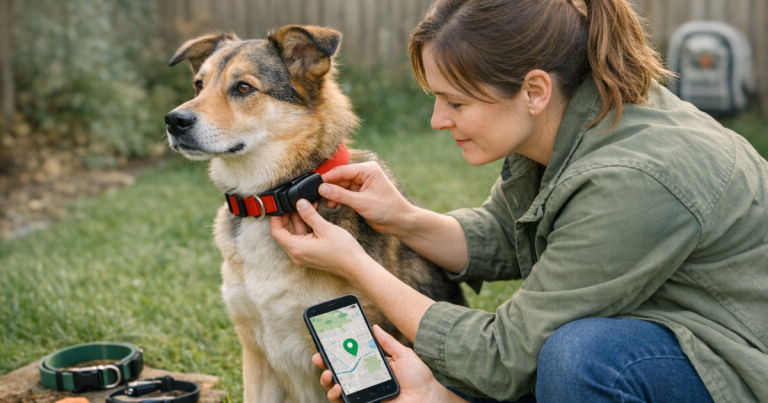
A tracker that hangs under the throat, rotates sideways, or disappears into a thick coat may perform differently from one sitting securely on the top or side of the neck as designed. It should be snug enough not to spin freely, but not so tight that it rubs or restricts your dog. If you are unsure about placement, use this step-by-step guide to fit a GPS dog collar safely before troubleshooting the app.
A step-by-step reset and test routine
Use this sequence when the tracker seems slow but your dog is safe. It is much easier to diagnose the issue in your driveway, yard, or neighborhood than during an actual escape.
1. Check the timestamp before refreshing
Open the app and look for the last successful update time. If the map marker says your dog is in the yard but the timestamp is 25 minutes old, treat it as old information. Refreshing repeatedly may not help if the device has no current connection.
2. Move the collar outside
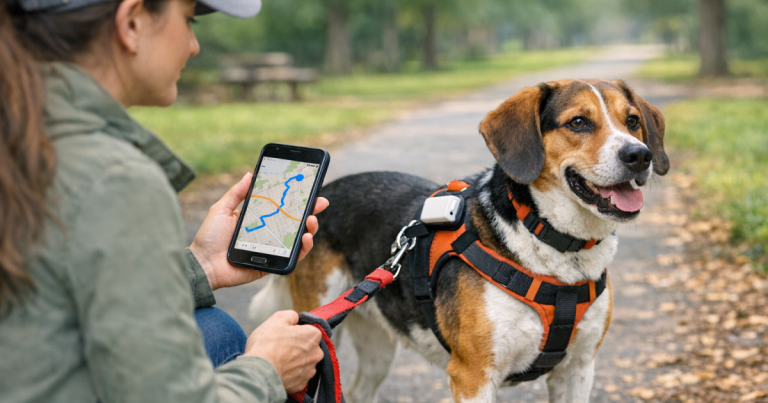
Take the tracker outdoors with a clear view of the sky. If it is attached to your dog, keep your dog leashed. If you are testing without your dog, carry the collar in your hand or clip it to a leash, not inside a pocket or bag. Wait several minutes and watch whether the timestamp changes.
3. Confirm your phone is not the weak link
Your phone also needs a working data connection. Turn off airplane mode, confirm cellular data is available, and make sure the tracker app has permission to use location services and send notifications. If you are on a weak Wi-Fi connection at the edge of the house, step outside and use cellular data for the test.
4. Open the tracker’s active tracking mode
If your tracker offers a higher-frequency tracking mode, start it during the test. Do not assume the normal home screen is the fastest update view. Watch how quickly the app changes when you walk 100 to 300 feet down the sidewalk and then return.
5. Restart in the right order
If the app still shows an old position, close and reopen the app first. Then restart your phone. If the tracker manufacturer provides a normal restart process for the device, follow that instead of improvising with buttons or charging contacts. After restarting, test outside again before deciding the tracker is unreliable.
6. Clean and inspect the device
Dirt, wet fur, damaged straps, and loose mounts can affect how the tracker sits on the collar. Wipe the device, check that it is fully seated in its mount, and make sure the charging area is clean and dry before the next charge. Do not use harsh cleaners unless the manufacturer specifically allows them.
Test it like a real escape, not like a gadget
A good setup test should mimic the moments when you would actually depend on the tracker. Stand in the kitchen with the collar on the counter and the app open, and you may learn almost nothing. Instead, create a safe controlled route.
- Start in the yard or driveway and note the first location timestamp.
- Walk one block or about 300 to 500 feet with the collar outside.
- Pause near a tree, parked vehicle, or building and watch whether updates slow.
- Walk back into open sky and see whether the app catches up.
- Repeat the test at dusk or on your normal walking route if that is when escapes are most likely.
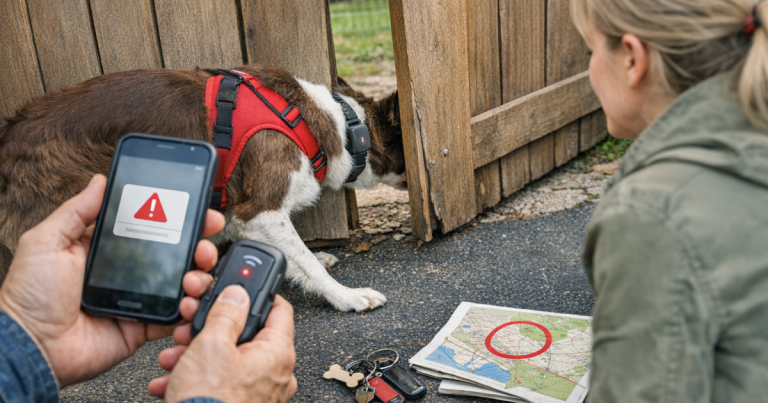
If you have a fence-jumper or door-darter, test from the exact places where trouble starts: the back gate, garage door, front porch, or side yard. Small changes in distance, walls, and tree cover can change how quickly the app refreshes.
When the tracker is not the right tool for the situation
Some “delays” are really mismatched expectations. A Bluetooth tag may help someone identify a found dog or alert you when it is nearby, but it is not the same as a live GPS recovery tool. If you rely on a Bluetooth backup, read the site’s Bluetooth backup tag review to understand where that kind of device helps and where it leaves gaps.
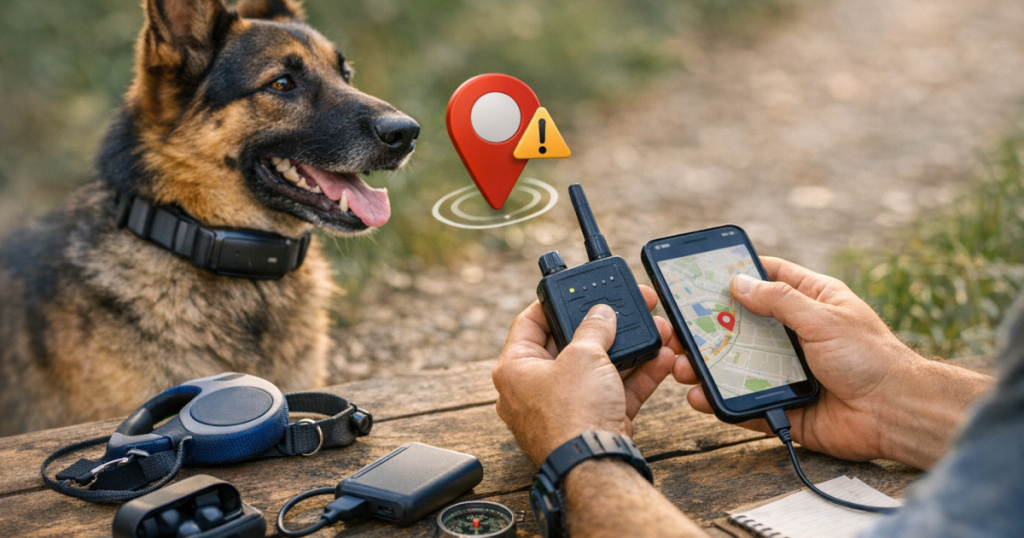
Rural properties, hiking areas, hunting land, and road-trip stops can also expose limits. A cellular tracker may work well in town and update slowly where coverage is weak. A handheld radio-style dog tracking system may be built for a different use case than an everyday neighborhood tracker. The key is to test in the places your dog actually goes, not only where setup was easiest.
If your dog is missing right now
If the tracker is lagging during a real escape, do not wait for perfect data before acting. Use the most recent reliable point as a starting point, then think like a dog: direction of travel, barriers, familiar routes, food sources, shade, water, hiding spots, and quiet places away from traffic.
- Check the timestamp and save or screenshot the last known location.
- Send one person to that spot while another watches the app.
- Search outward calmly instead of chasing every jumpy map marker.
- Call shelters, neighbors, and nearby businesses if the dog has been gone more than a few minutes.
- Keep your phone charged and avoid closing the tracker app unless you need to restart it.
For search behavior, hiding patterns, and first places to check, use this guide on how lost dogs behave and where to search first. Tracker data is useful, but it works best when paired with a calm recovery plan.
What to document before contacting support
If the same lag keeps happening after a controlled test, gather details before contacting the tracker company. Clear notes help separate a device issue from a coverage or setup issue.
- Tracker model and app version, if visible in the app.
- Phone model and whether you were on Wi-Fi or cellular data.
- Battery level at the time of the delay.
- Exact location type, such as indoors, wooded trail, suburban street, rural road, or fenced yard.
- Last updated time shown in the app.
- Whether live tracking mode was active.
- Photos of how the tracker sits on the collar.
Do not delete the app, reset the tracker, or remove the device from your account unless the manufacturer’s support instructions tell you to. Those steps can sometimes make troubleshooting harder by clearing useful history.
Helpful questions
Why does my dog tracker update faster on walks than at home?
Some trackers behave differently near home zones, Wi-Fi areas, or known safe places to conserve battery. Buildings can also interfere with location signals, so outdoor movement may refresh more reliably than indoor testing.
How long should I wait before assuming the tracker is stuck?
Check the timestamp first. If the location has not updated after several minutes outdoors in open sky, and your phone has data service, move into a more open area and restart the app before judging the device.
Can a loose collar cause slow updates?
Yes, indirectly. A loose collar can let the tracker rotate, hang under the neck, or get blocked by fur and body position. Secure fit improves consistency and comfort, even though it cannot overcome poor network coverage.
Should I keep refreshing the app during an escape?
Refresh when needed, but do not stare at the screen while losing search time. Use the last reliable point, send help there, and keep checking for new updates as you search logically.
Does a delayed update mean the tracker is defective?
Not always. Signal, battery mode, app permissions, phone data, collar placement, and local coverage can all cause lag. A repeatable delay in open conditions after resets is more likely to need manufacturer support.
In brief
Fixing a slow dog tracker is mostly about narrowing the cause. Confirm the time of the last update, move outdoors, check phone and app settings, use the appropriate tracking mode, inspect the collar fit, and run a short route test in the places your dog is most likely to escape.
The most dependable setup is not just a tracker with a dot on a map. It is a tested routine: charged device, secure collar, backup ID, realistic expectations, and a search plan your household already understands.